
- Services
- Case Study
inPwr Mobile App: Field Dispatch, Job Updates and Equipment Tracking
A custom mobile application we built for inPwr to help field and office teams run emergency response operations from anywhere. The app centralizes job access, customer and site details, equipment assignment, technician info, and invoicing workflows, so updates happen in real time instead of across spreadsheets, calls, and back-and-forth messages.
Designed for small and mid-sized field service teams, it helps crews respond faster, reduce admin overhead, and keep operational data consistent from dispatch to close-out.
Turn spreadsheet-based coordination into real-time execution from the field.
From Manual Field Work to Mobile Automation

Before inPwr Ops Mobile App
Before the mobile app, field updates depended on phone calls, texts, and shared Excel files. Technicians often received job details through back-and-forth messages, while changes to schedules, site information, or equipment assignments were tracked in separate spreadsheets and forwarded manually. This made it easy to miss updates, duplicate effort, or arrive on-site without the latest information.
As emergency work picked up, the office spent more time chasing status updates, confirming equipment usage, and reconciling notes after jobs were completed. The delay between “work performed” and “work recorded” created inconsistent job records and added friction when it was time to close out jobs and invoice accurately.
After inPwr Ops Mobile App
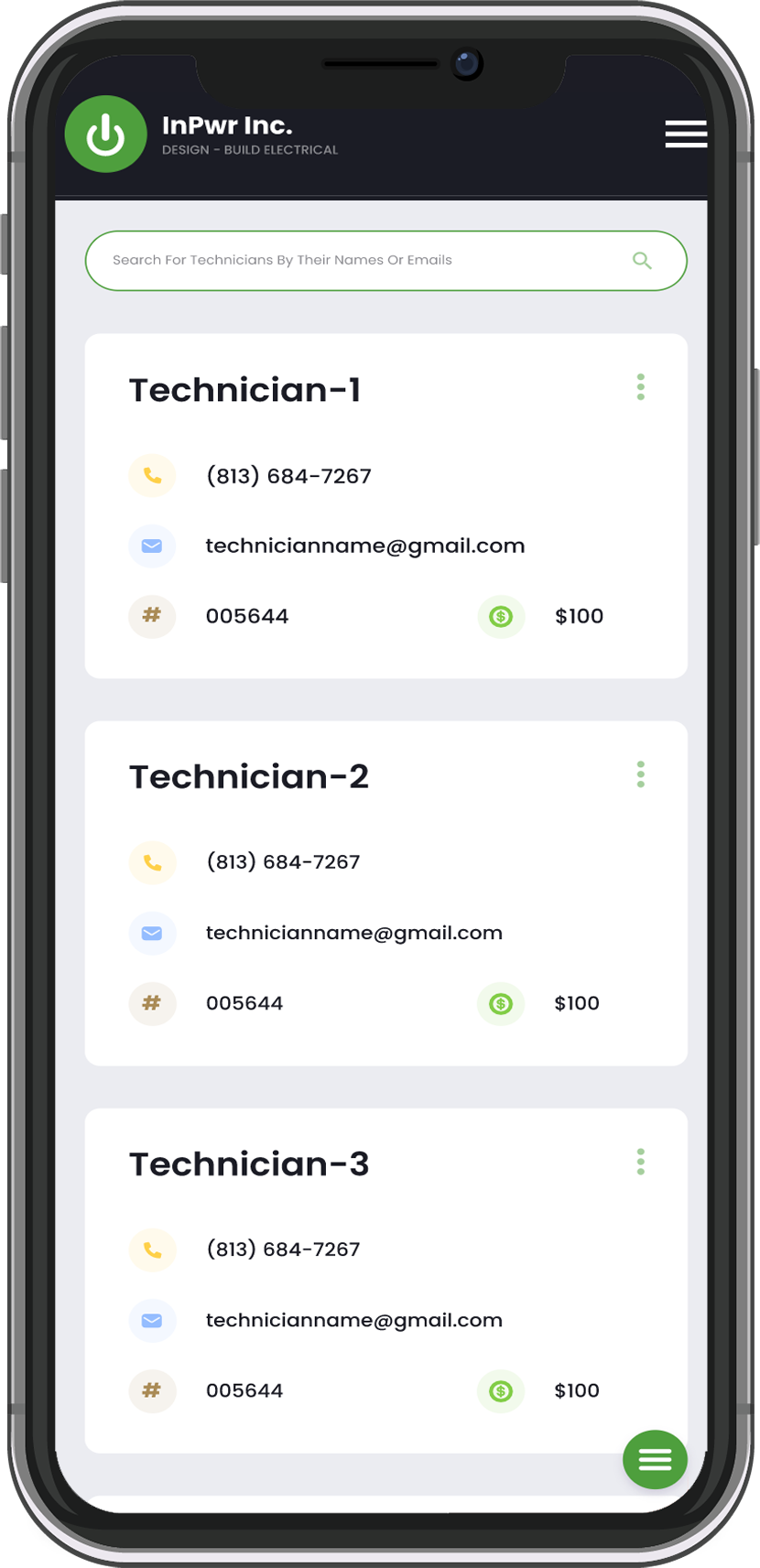
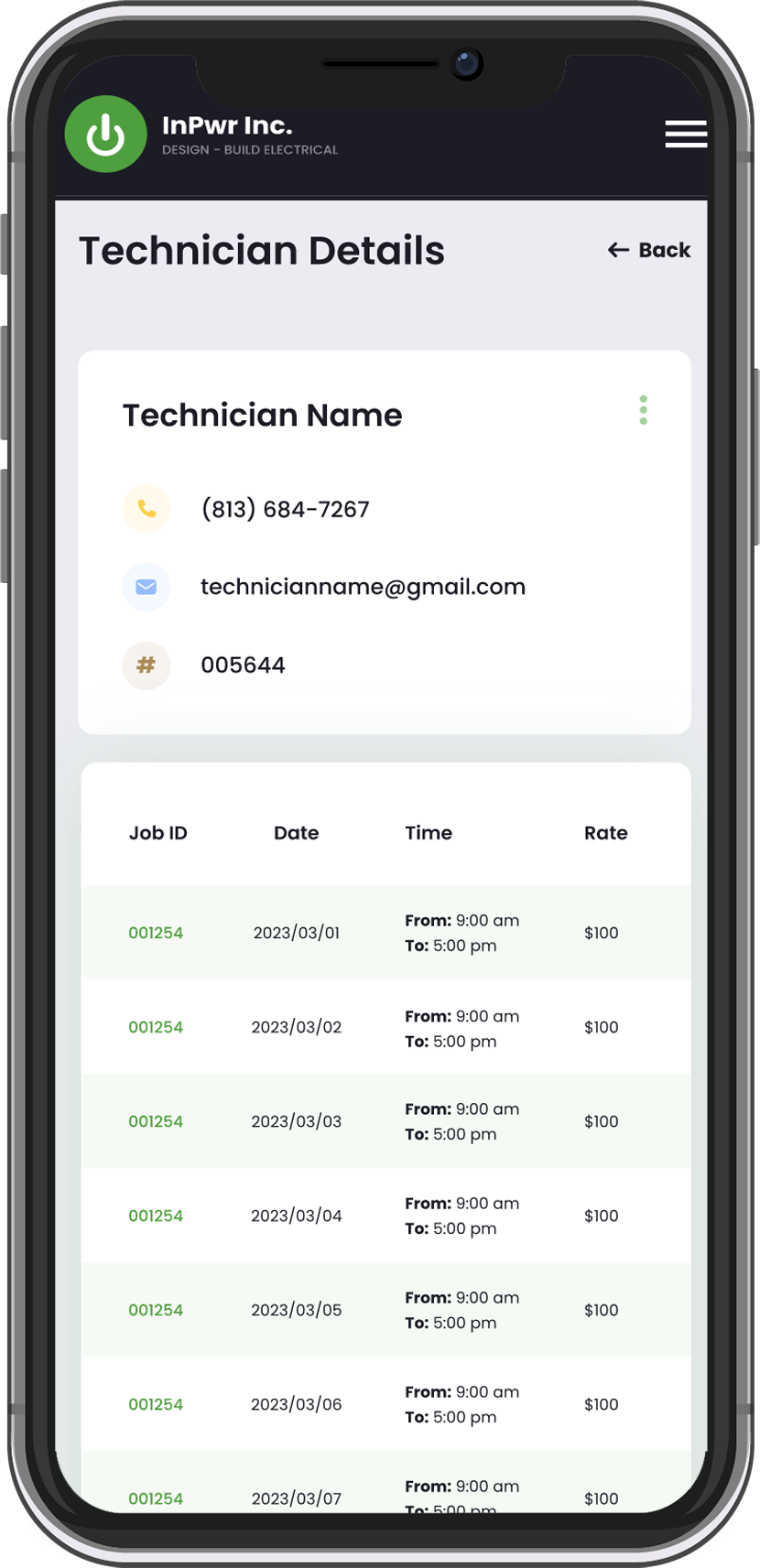
With the inPwr Field App, technicians can access assigned jobs directly from their phones and update progress as work happens. Job details, customer and site information, and equipment assignments are available in one place, so field teams can confirm key job data without relying on calls, texts, or spreadsheet updates. This reduces communication gaps, minimizes rework, and keeps the office informed in real time.
Because job activity is captured closer to the source, close-out becomes faster and more consistent. Office teams spend less time reconciling field notes and more time managing operations proactively, while the business gains a scalable process for coordinating emergency response work across a growing field team.
Quick intro, clear next steps
Share the basics and we will reply with the next step.
Key Features
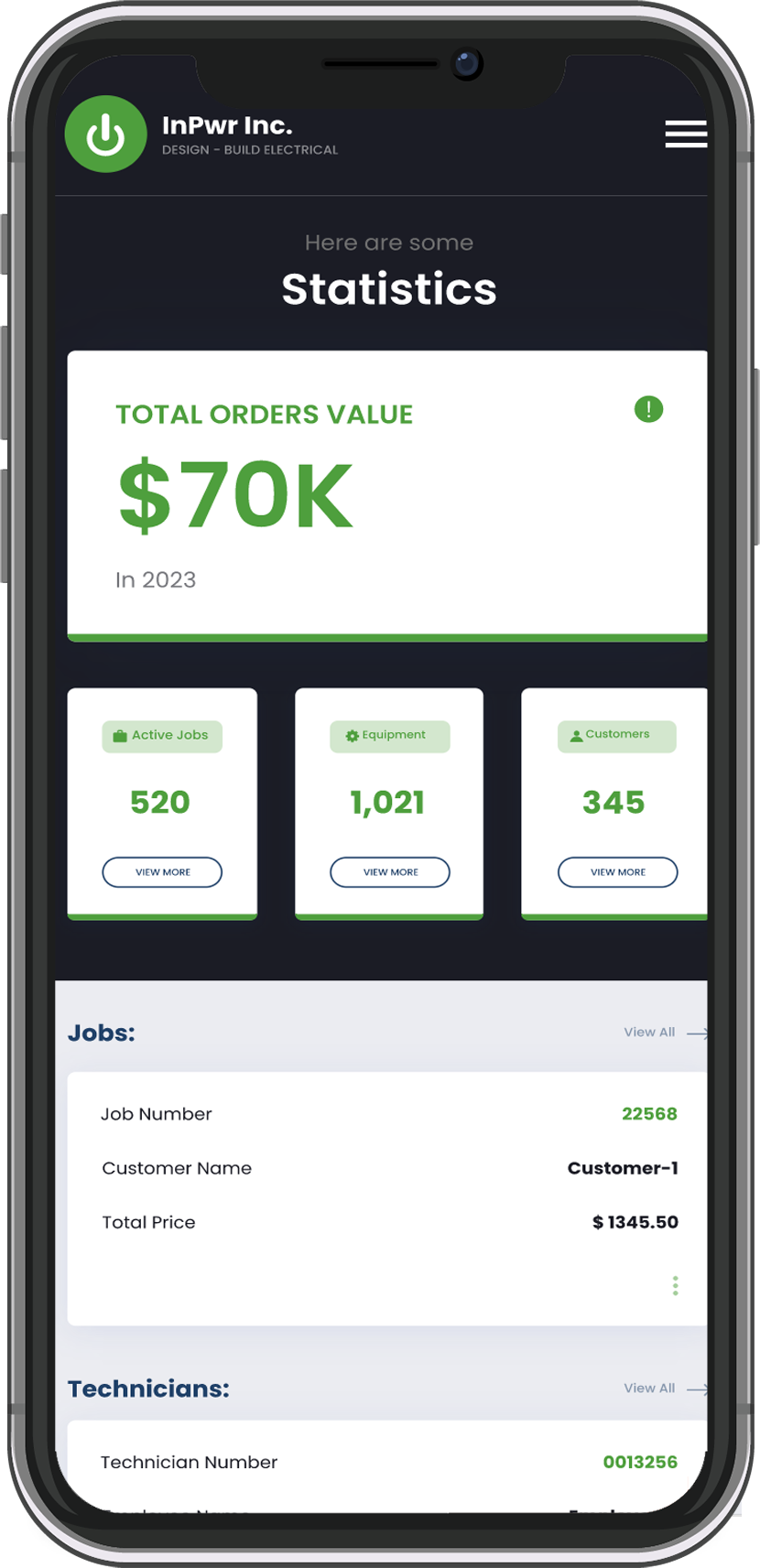
Mobile Job Dashboard
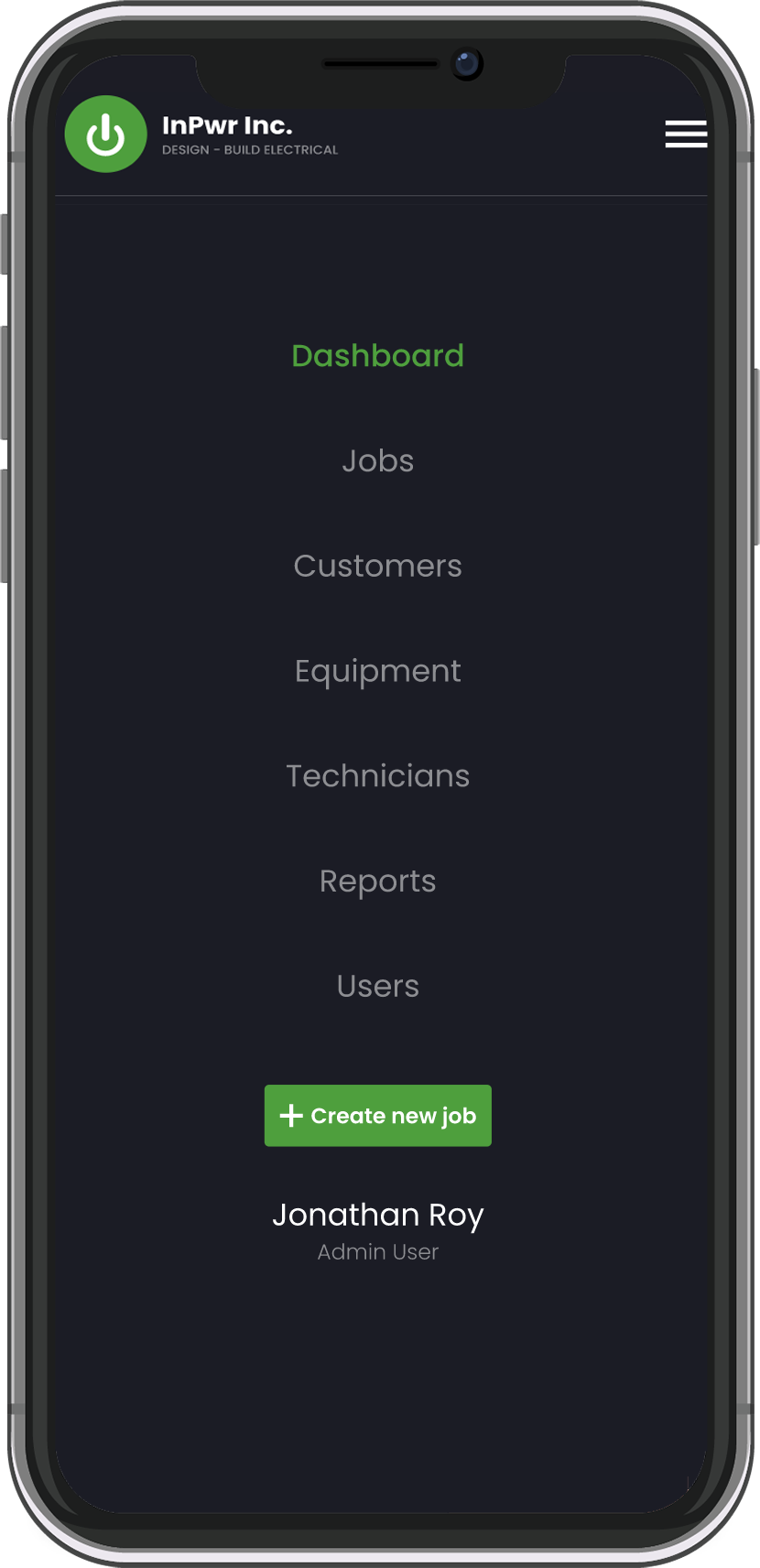
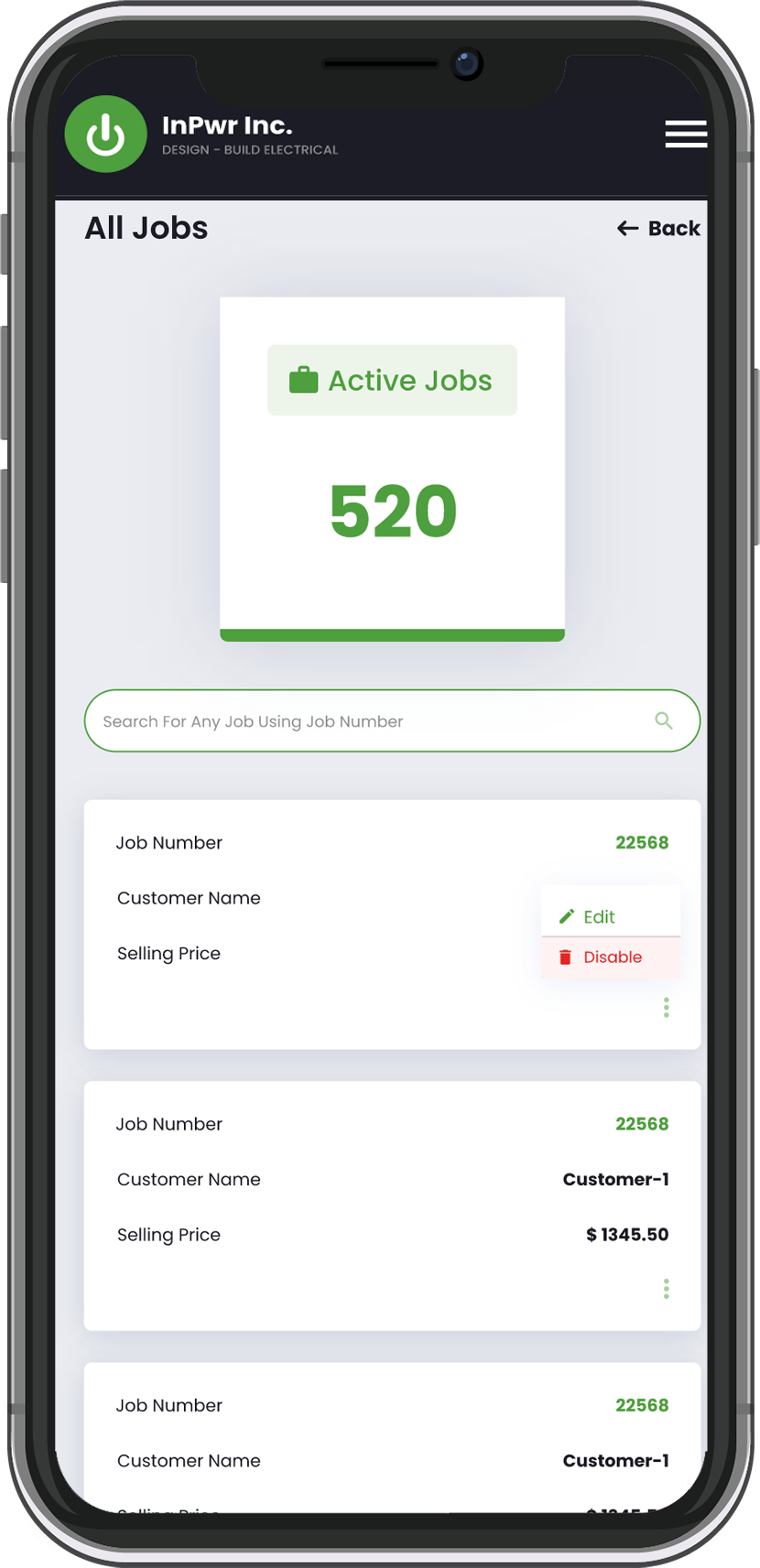
Technicians can view assigned jobs at a glance and open job details in seconds while on the move.
Real-Time Job Updates
Field staff can update job status as work progresses, reducing calls, texts, and back-and-forth follow-ups.
On-Site Customer and Location Details
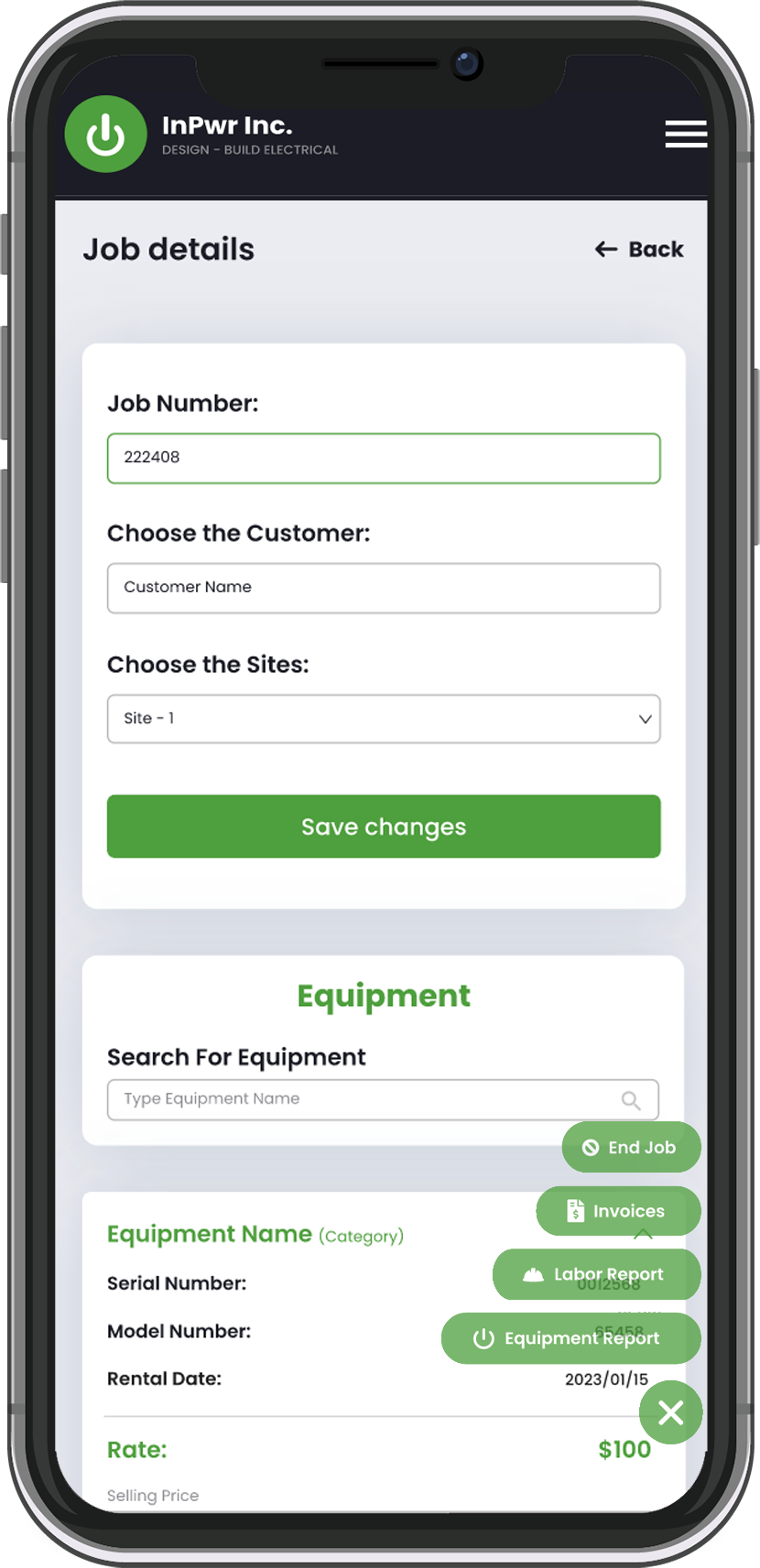
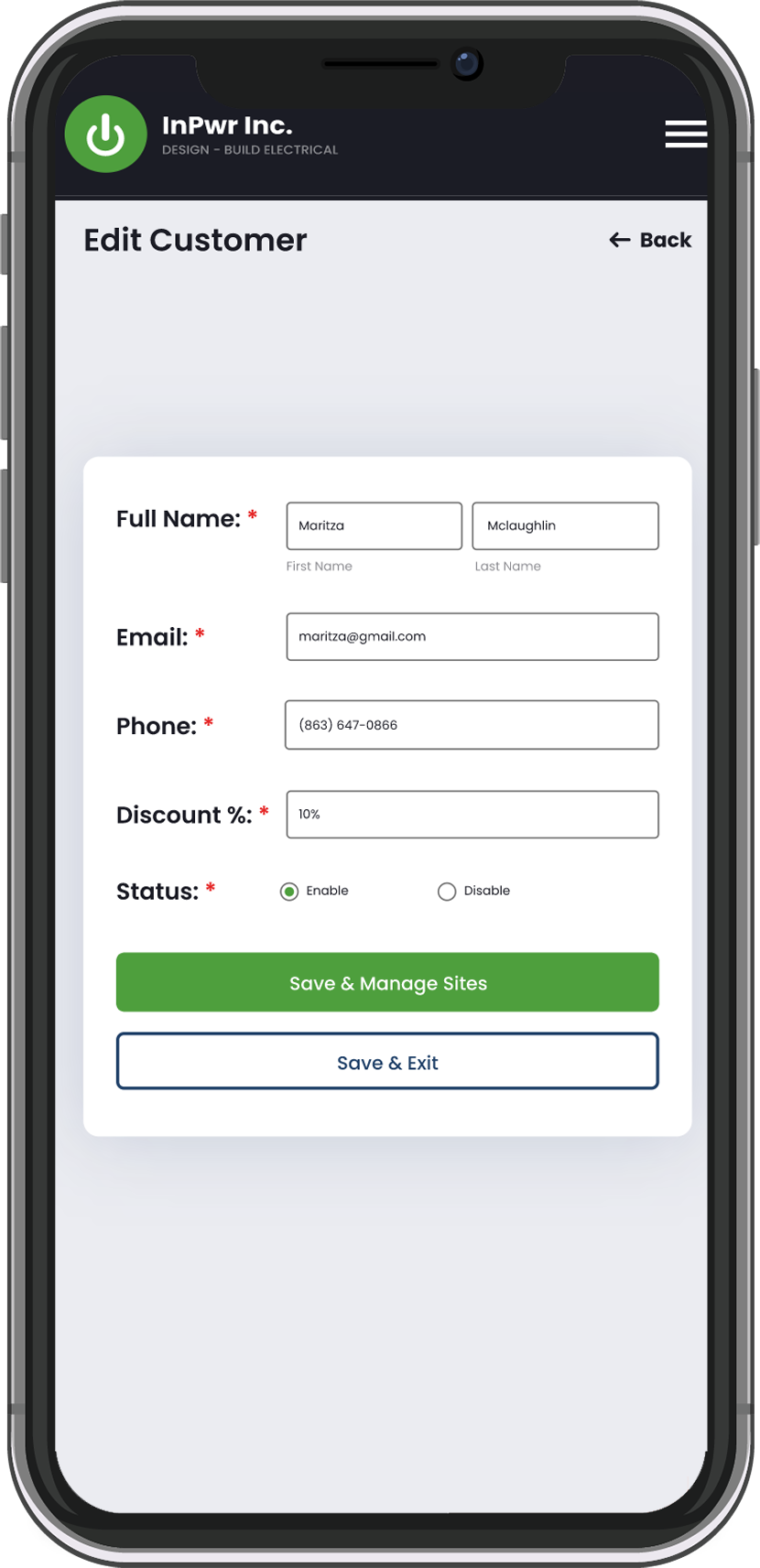
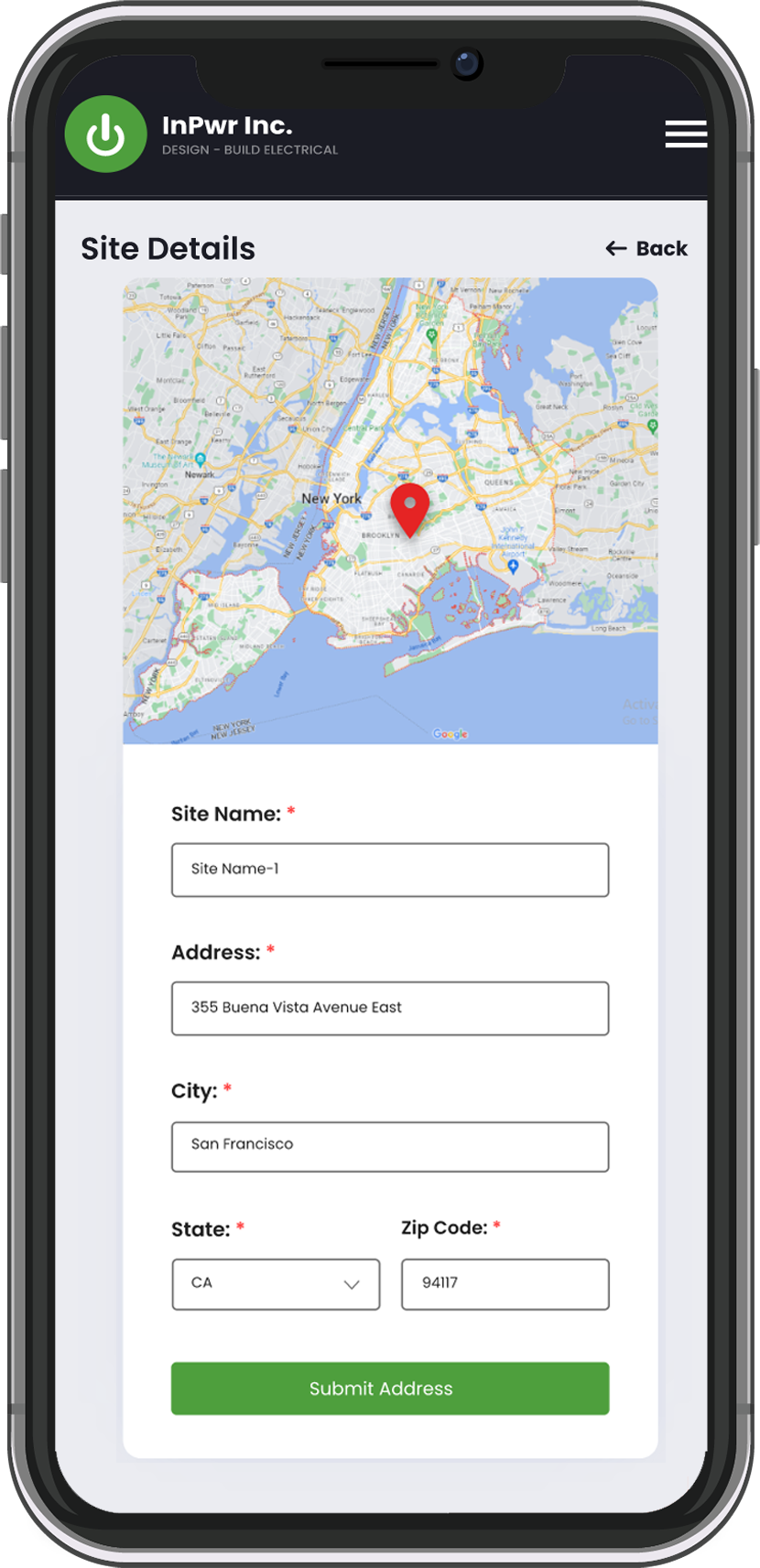
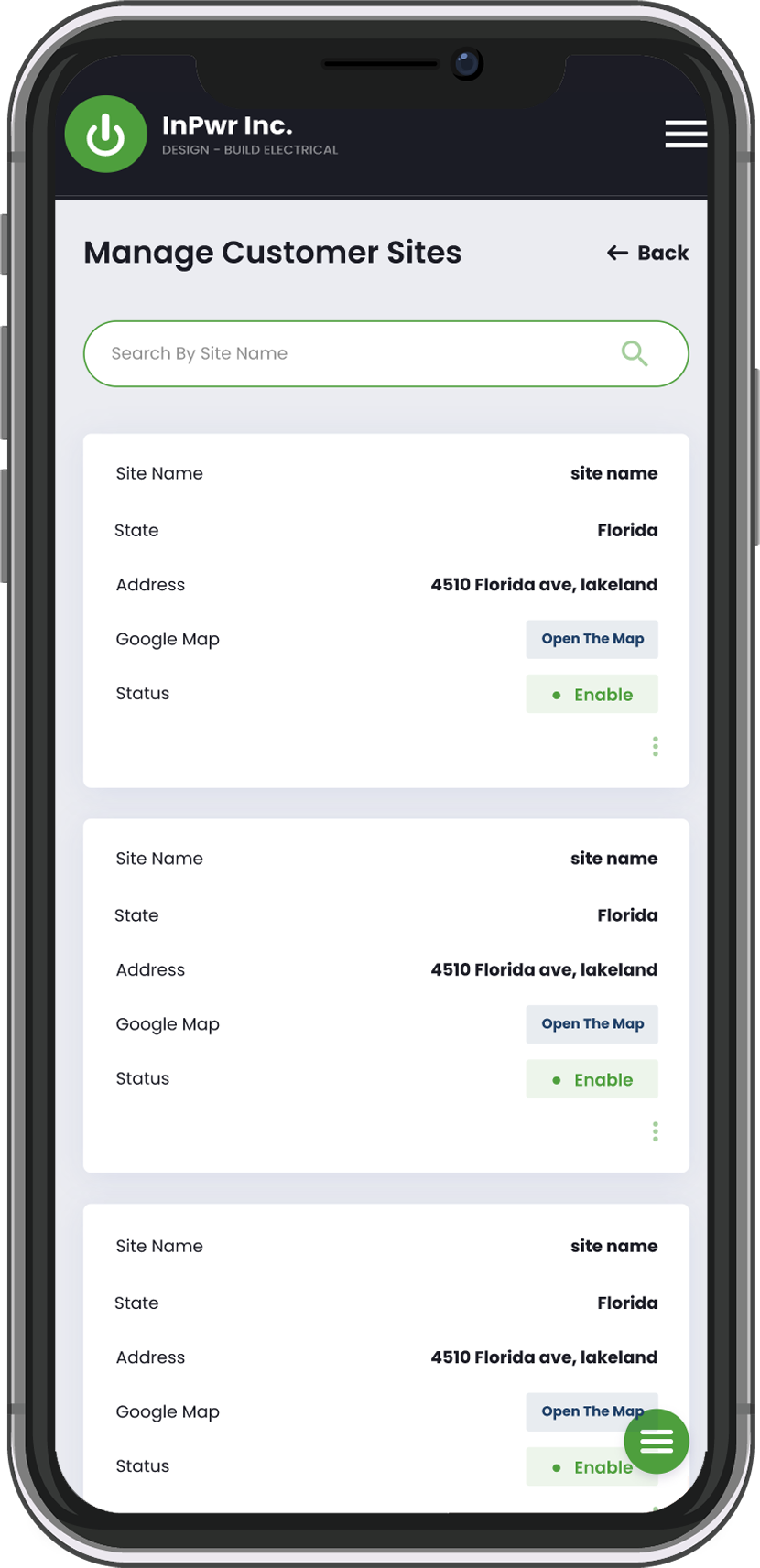
Customer and site information is accessible on the job, helping crews arrive prepared and reduce errors.
Equipment Assignment from the Field
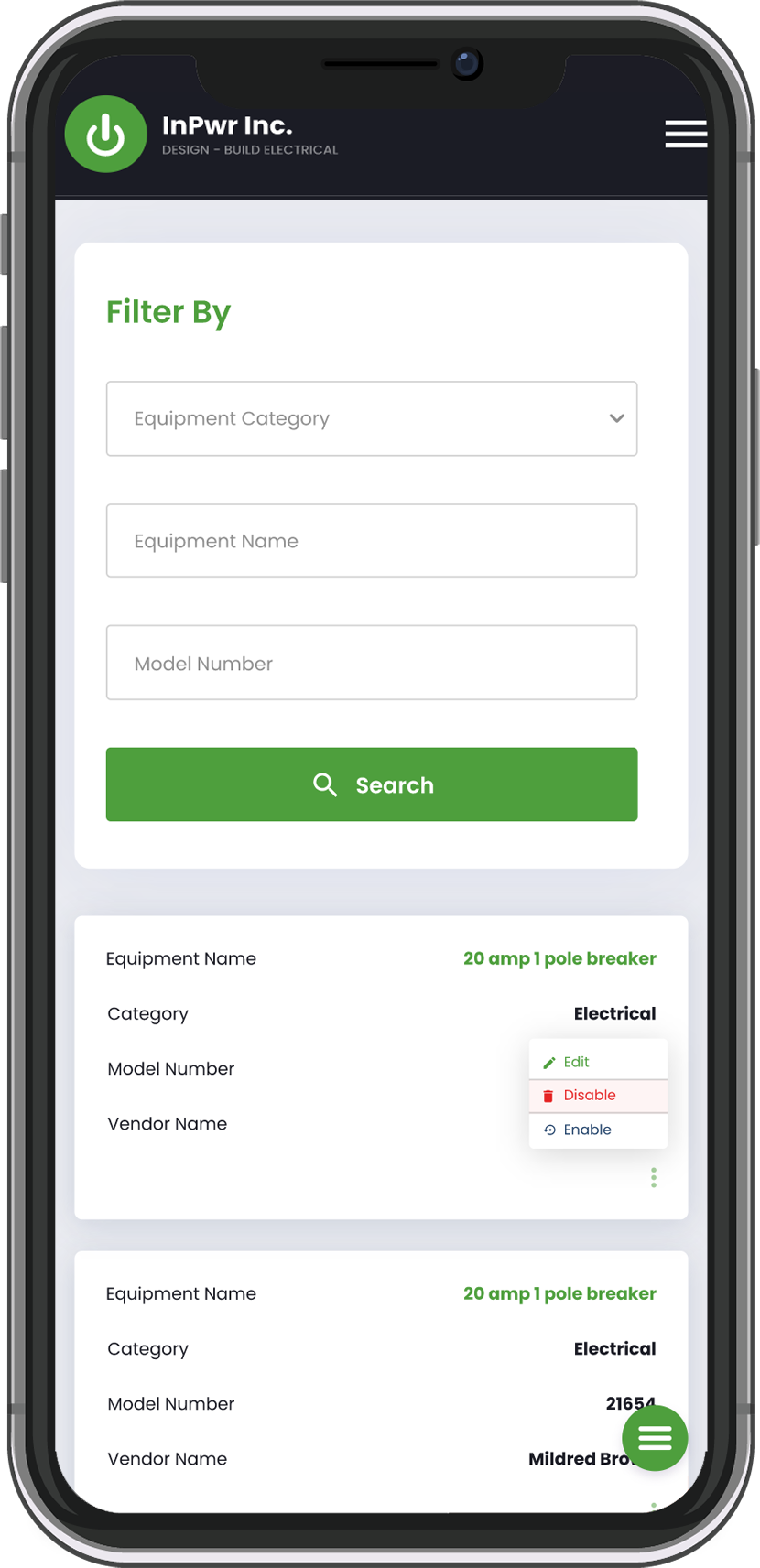
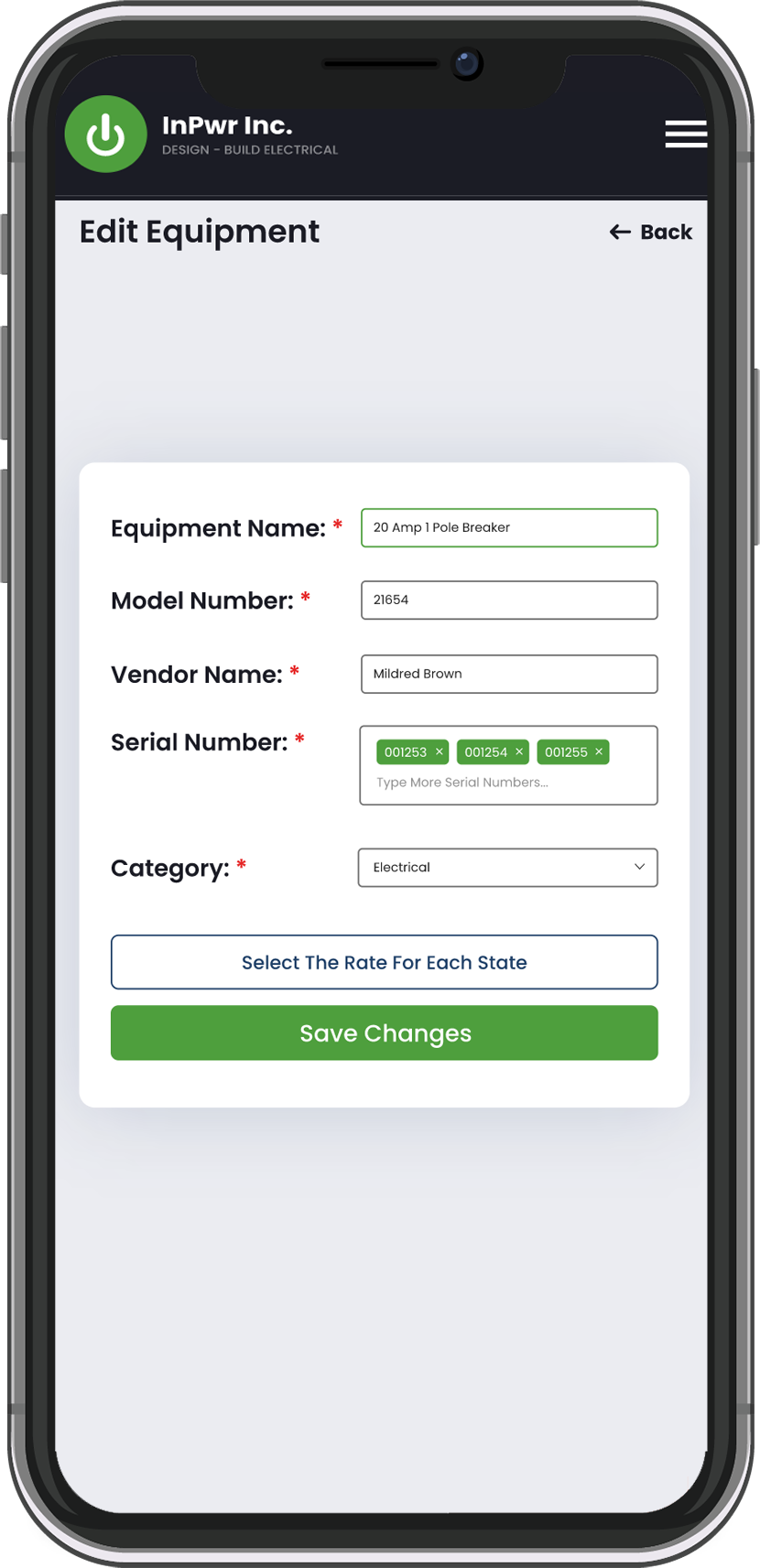
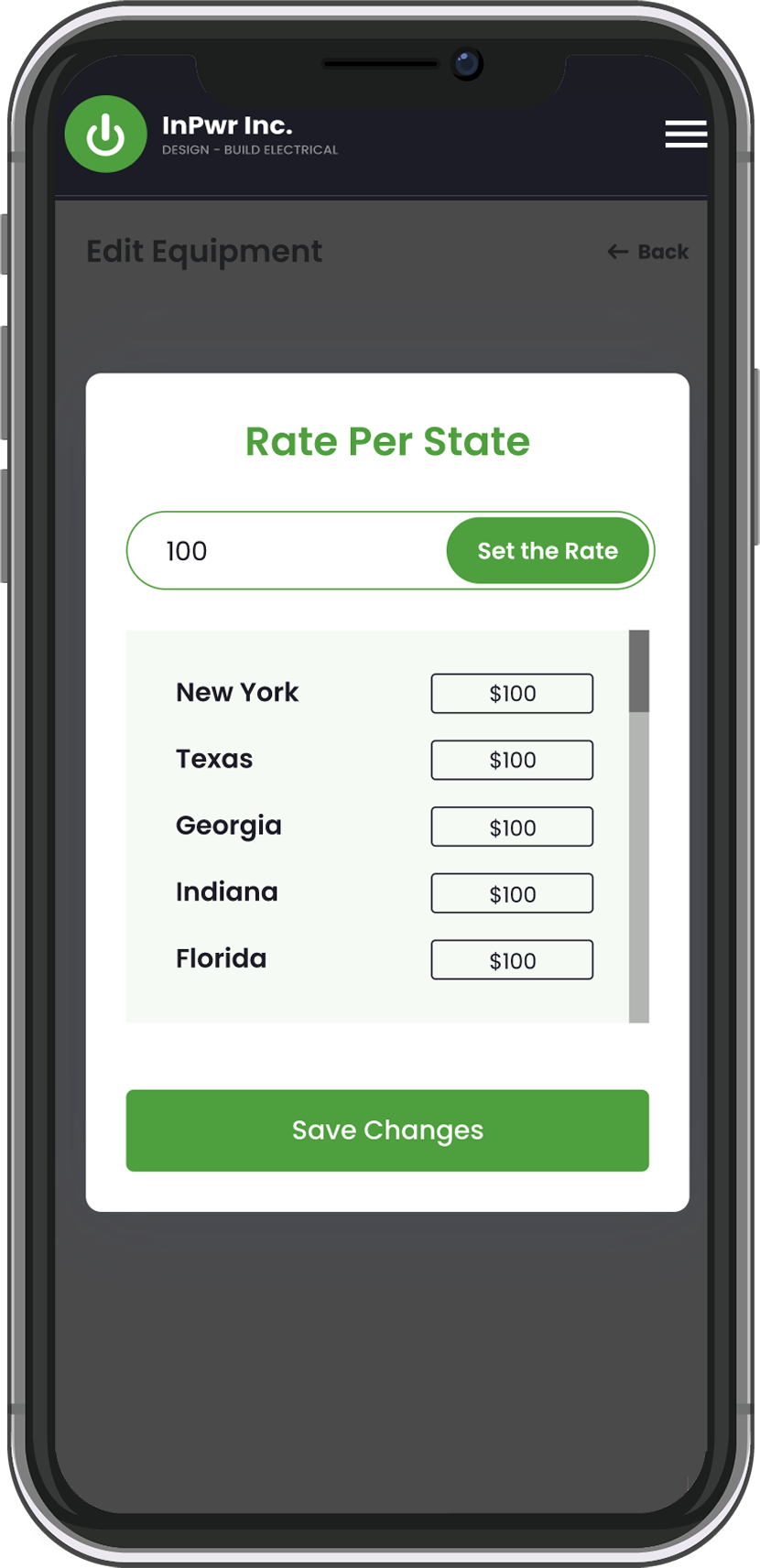
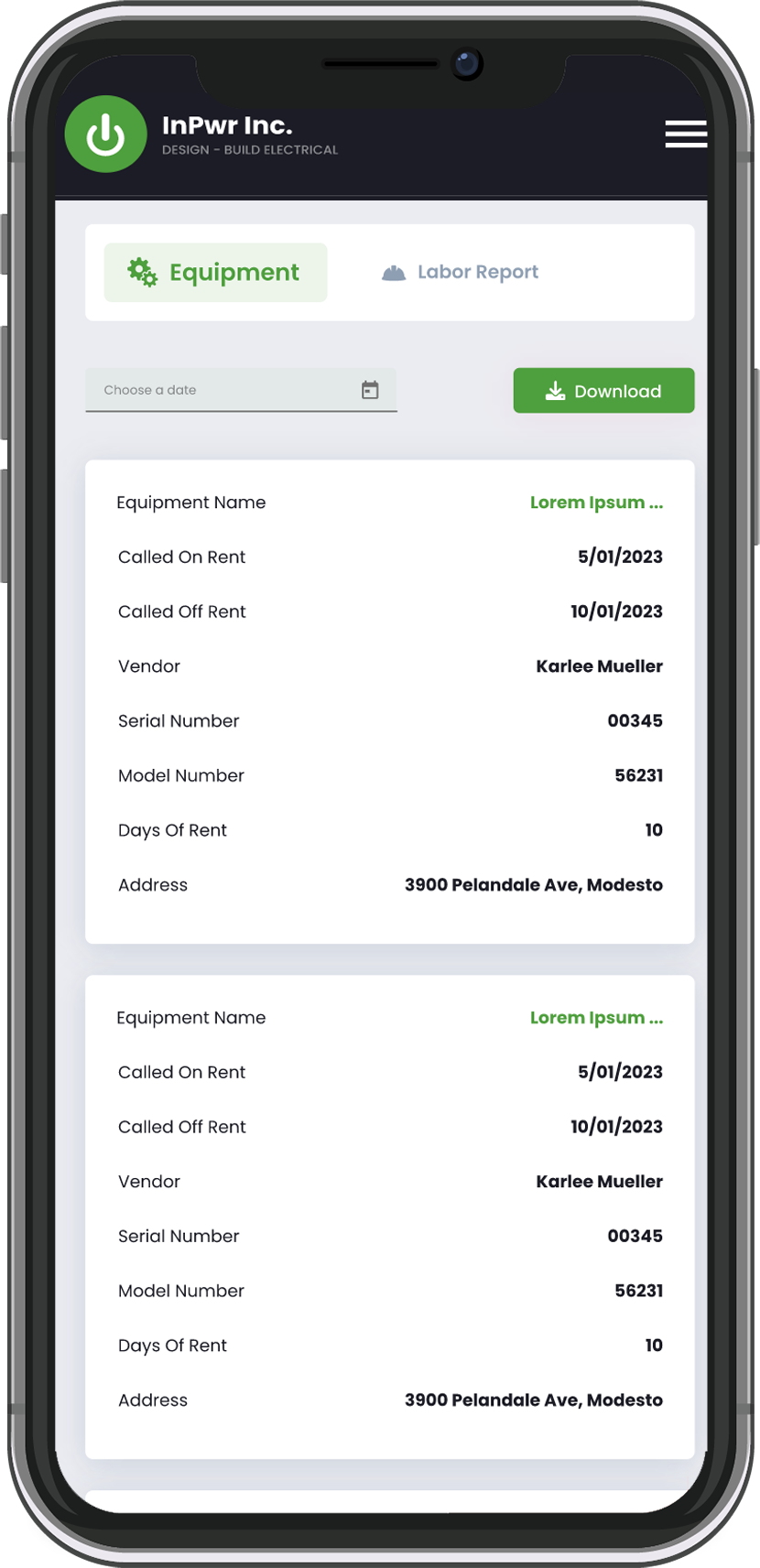
Technicians can confirm assigned equipment and capture usage details during the job for better accountability.
Close-Out from Mobile
A structured close-out flow helps capture key job details before leaving the site, keeping records consistent.
Labor Capture at the Source
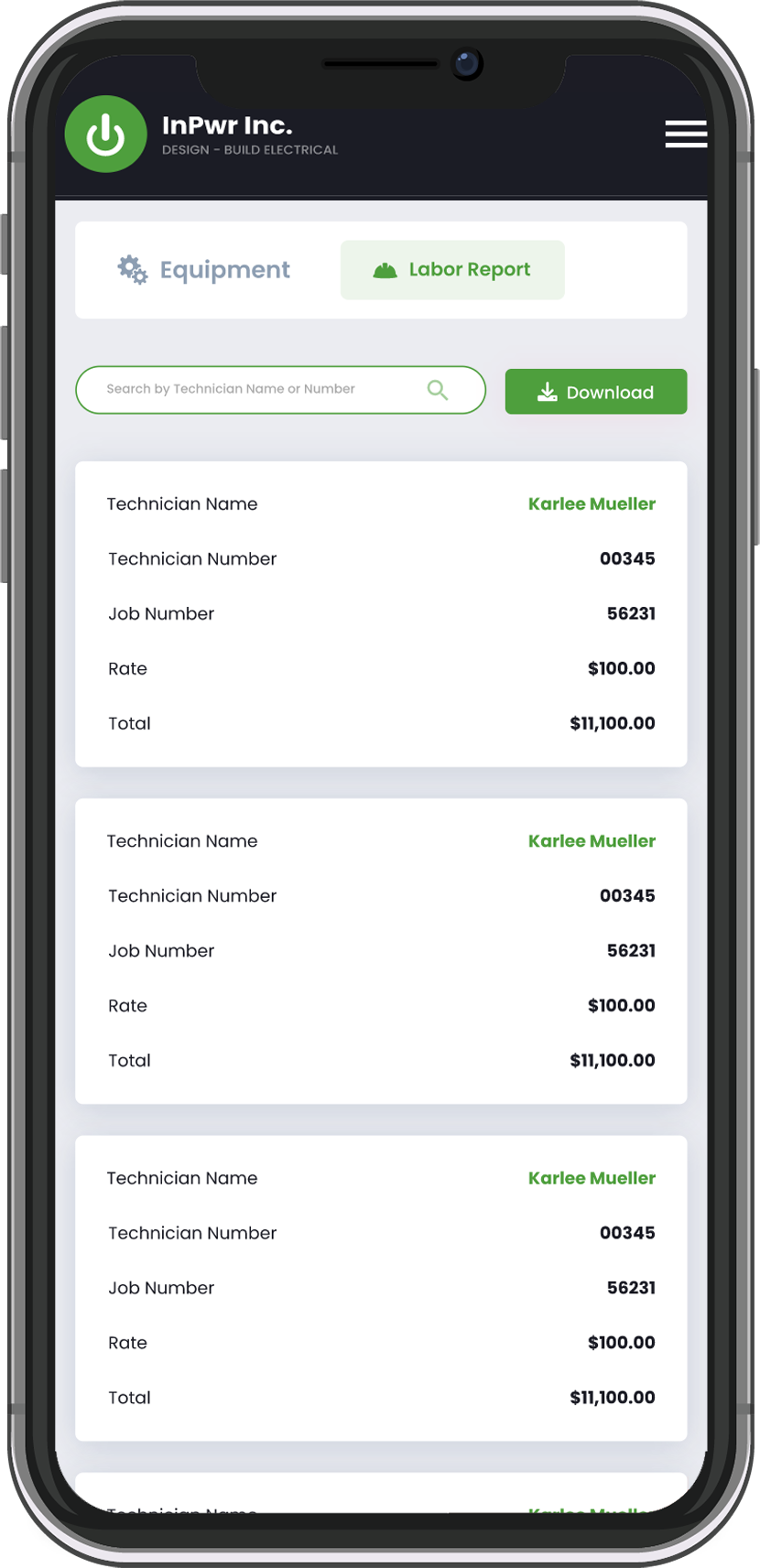
Work time and job notes are captured in context, improving accuracy and reducing end-of-day reconciliation.
Invoice Visibility on Mobile
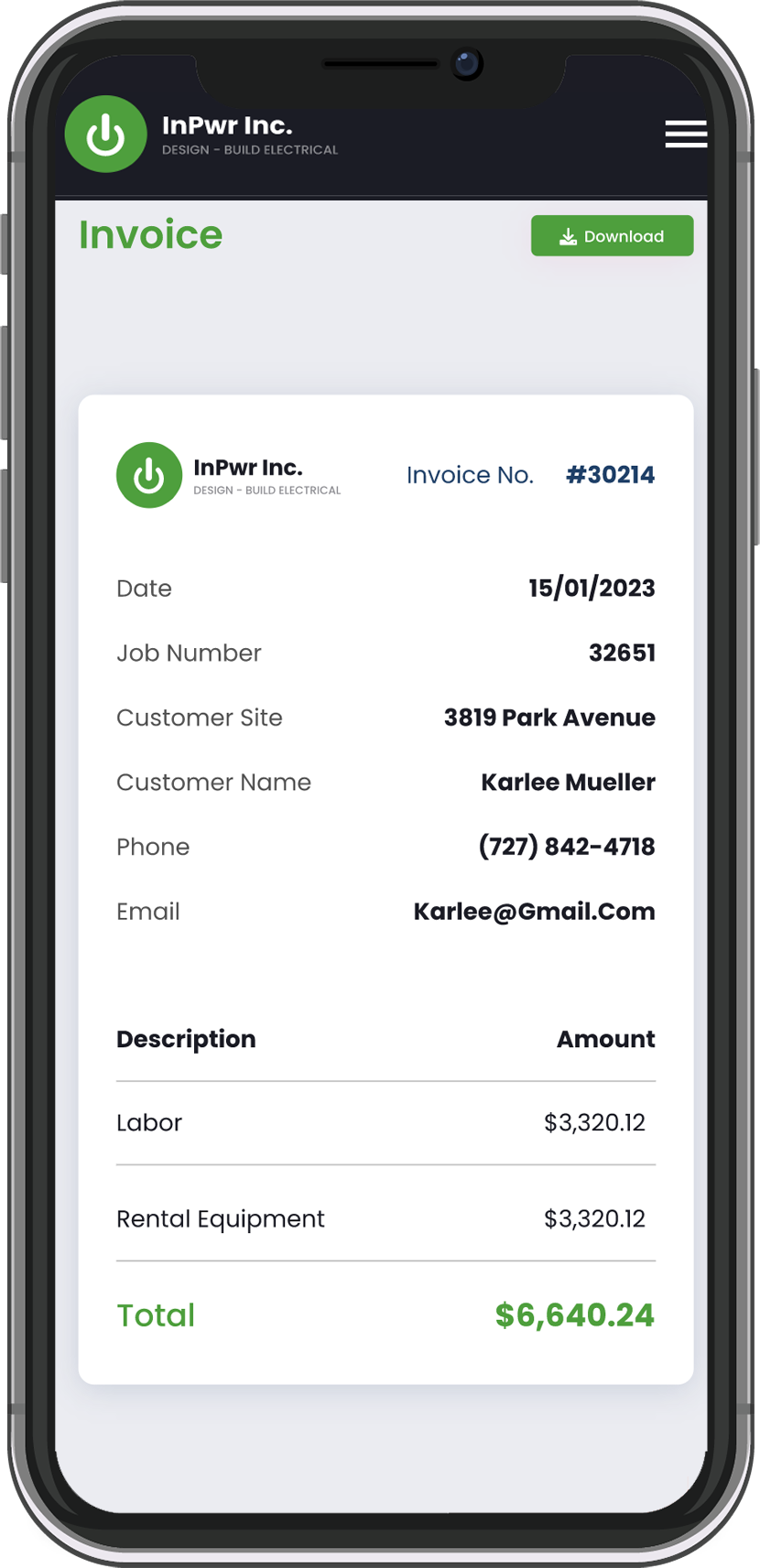
Invoices tied to job records can be reviewed from the phone, supporting faster billing follow-ups when needed.
Simple Role-Based Access
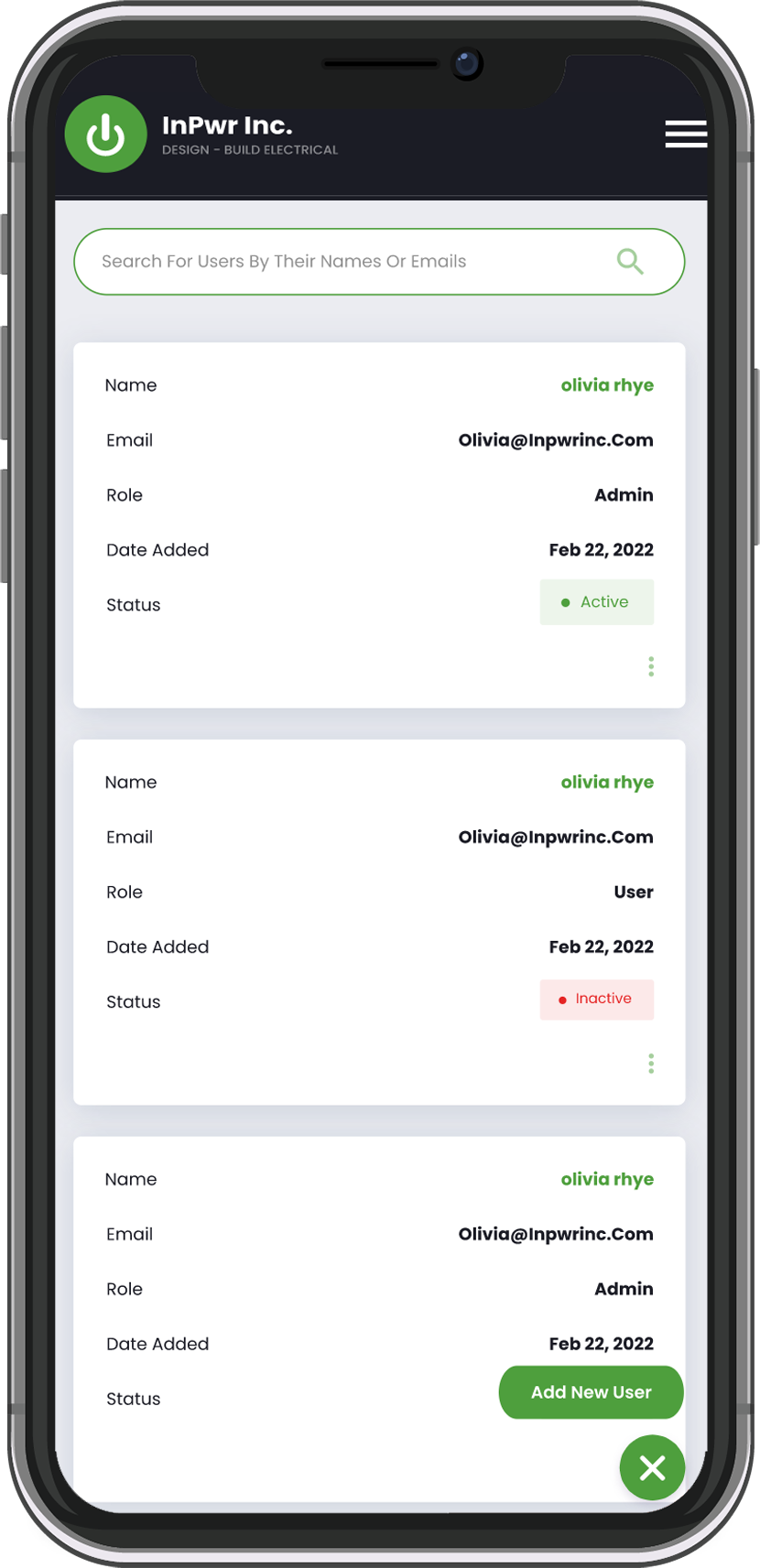
Access is controlled by role so field and office users see what they need without exposing admin-only controls.
Mobile app development for SMBs
Build a mobile app that is simple to use and ready to scale. We help you shape the scope, map the user journey, and plan the right features so the build stays focused. You start with a consultation and a high level range for budgeting, then Discovery confirms scope so you can move forward with a fixed price and a reliable timeline.
Delivery Approach
At-Cost Discovery Phase
We begin with an at-cost Discovery Phase focused on real field operations. We map technician workflows, offline/online behavior, job status updates, and equipment handling, then produce mobile-first wireframes and a detailed specification. This creates a clear scope for the mobile app, reduces rework, and helps small and mid-sized field service businesses align on requirements before development.
Fixed-Price Development
After Discovery approval, we deliver the mobile application under a fixed-price contract with a defined timeline. Development is organized into mobile-ready milestones—core workflows first, then refinements—supported by staged testing across devices and user roles. This keeps progress measurable, supports predictable go-live planning, and helps growing teams launch with confidence.
This delivery model is designed for field service businesses in Canada and the US that want a predictable mobile app build without scope surprises.
Impact
With the inPwr Field App in place, technicians can access job details on-site and update progress in real time instead of relying on calls, texts, and shared spreadsheets. The office gains faster visibility into field activity with fewer follow-ups, while job records stay more consistent from start to close-out. The result is quicker response execution, less end-of-day reconciliation, and a more scalable workflow as the field team grows.
Fixed price. Clear plan.
From Estimate to Certainty. After your free consultation, we provide a rough, non-binding estimate to help with budgeting. Once Discovery is complete, you get a fixed-price quote and a guaranteed timeline. No surprises, no scope creep, no unexpected costs.