
- Services
- Case Study
Invoice Management Web App: Xero Payables and Batch Payments
IMS is a custom web app for small and midsize businesses that want better control over accounts payable without relying on spreadsheets. It syncs payables from Xero, helps finance teams review vendor balances, select bills for payment, and generate bank-ready payment files with a PV reference for audit tracking. Multi-company access controls ensure each user only sees the companies and vendors they are assigned to.
Turn Xero payables into clean, repeatable payment runs with less admin effort.
From Manual Payables to Structured Payment Runs

Before Invoice Management System
Before IMS, accounts payable teams often ran payment cycles using a mix of Xero exports, spreadsheets, and manual checks. Bills were reviewed across multiple vendor lists, totals were calculated by hand, and it was easy to lose track of which invoices were selected for a payment run versus which ones were still pending. When the same vendor had multiple invoices, staff had to cross-check dates, amounts due, and payment notes across files just to avoid duplicate payments or missed bills.
Generating a bank upload file was another bottleneck. Each bank format has its own structure, so payment files were frequently prepared or cleaned manually, then rechecked line by line before upload. Internal reference numbers for payment runs were tracked in email threads or spreadsheets, and exported files were saved in different folders, which made it harder to audit what was paid, when it was paid, and which invoices were included in each batch.
After Invoice Management System
After launching IMS, the payment workflow moved into a single invoice management web app built around repeatable accounts payable processes. IMS connects to Xero invoice data, groups bills by vendor, and lets users drill down to select invoices for payment with clear totals and visibility. Teams can filter by company and bank account, then run payments in a structured way without rebuilding the payment list from scratch every time.
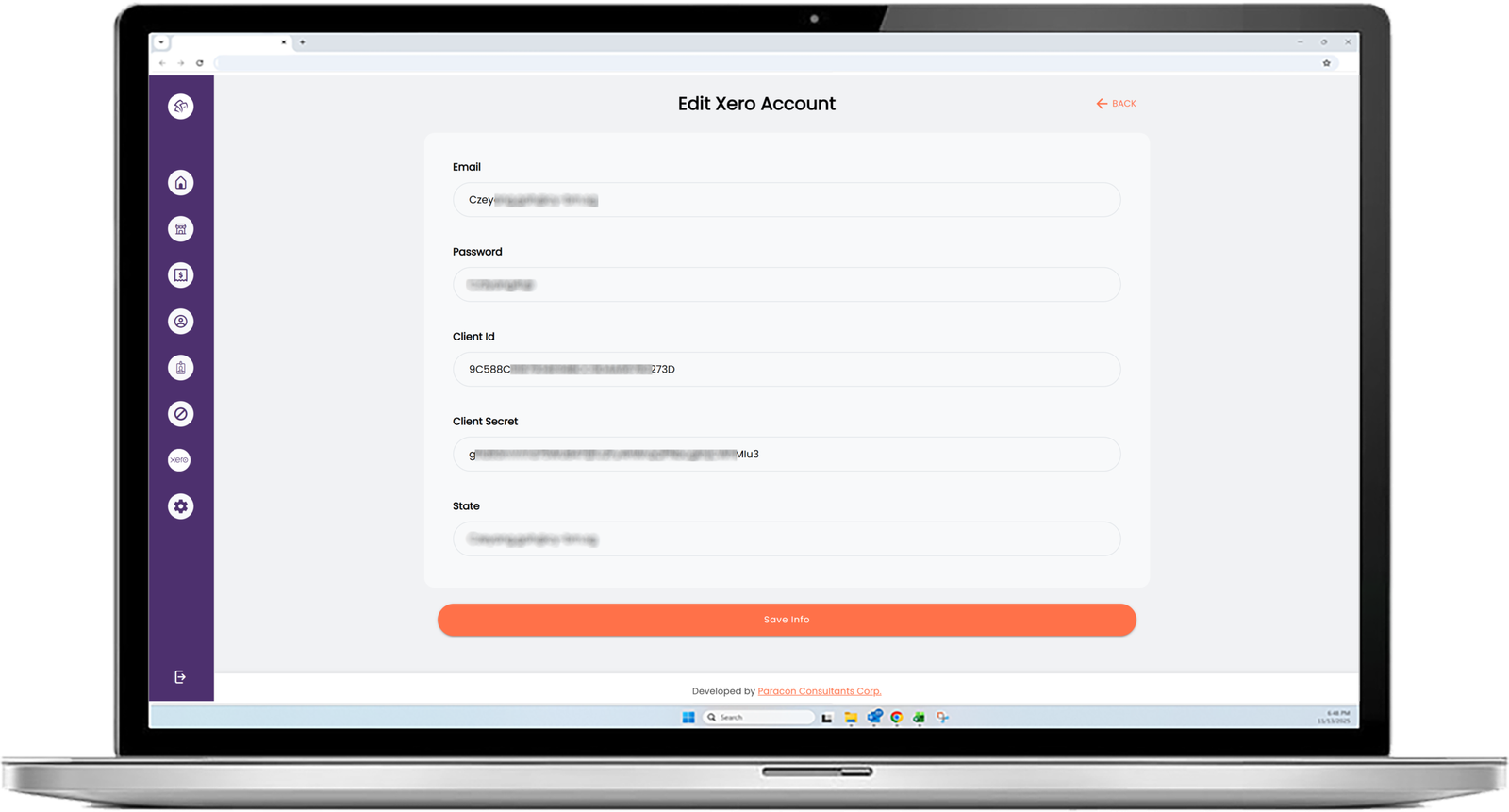
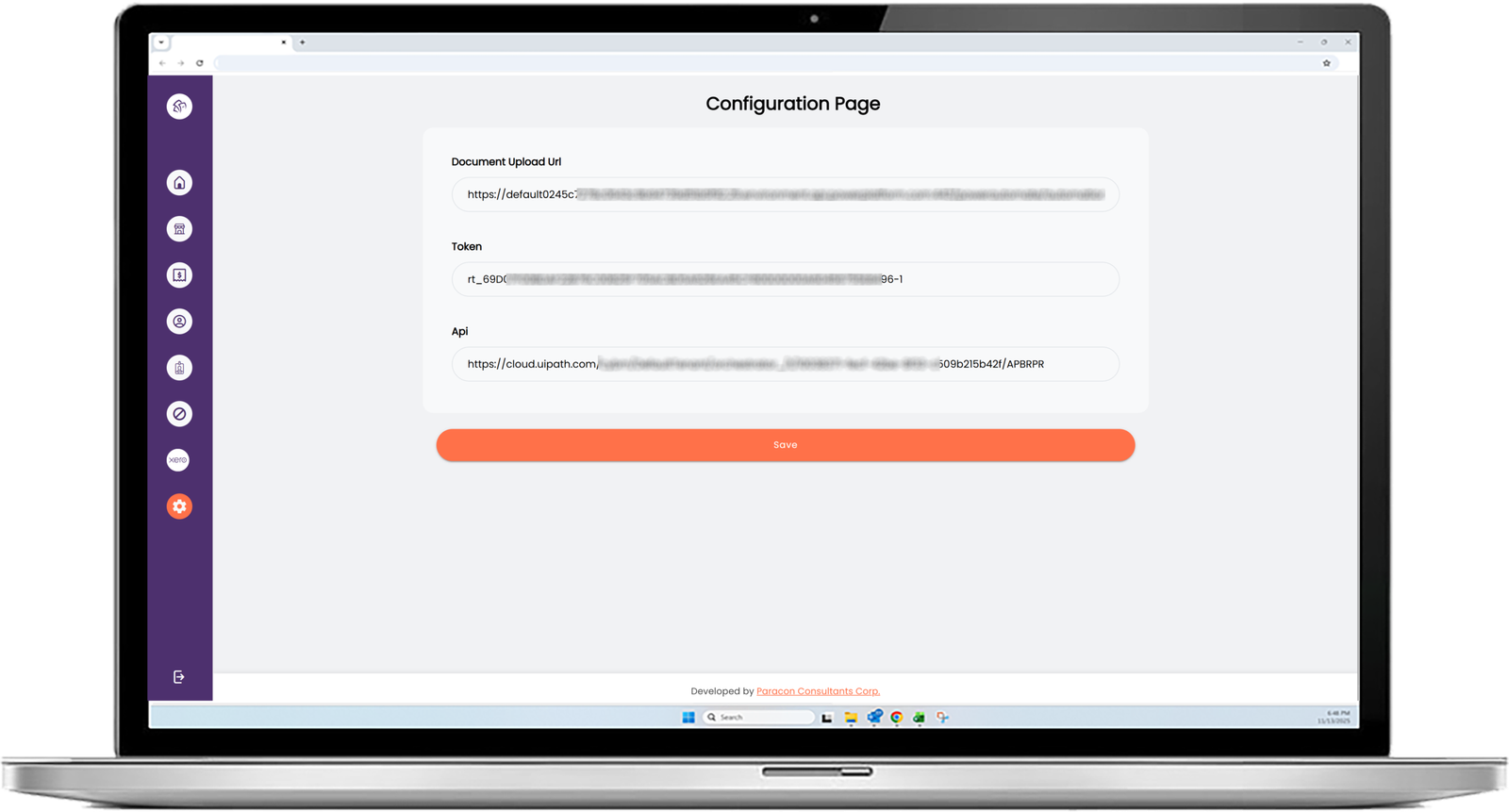
IMS also standardizes bank file generation using template-based exports, so users can generate bank upload files in the required format and track each payment run using a PV reference. Generated files are stored in a defined Google Drive folder for consistency and audit readiness, and admin controls support multi-company setups by assigning access to the right users. The result is faster payment cycles, fewer manual errors, and cleaner records for small and midsize businesses that want tighter control over payables.
Quick intro, clear next steps
Share the basics and we will reply with the next step.
Key Features
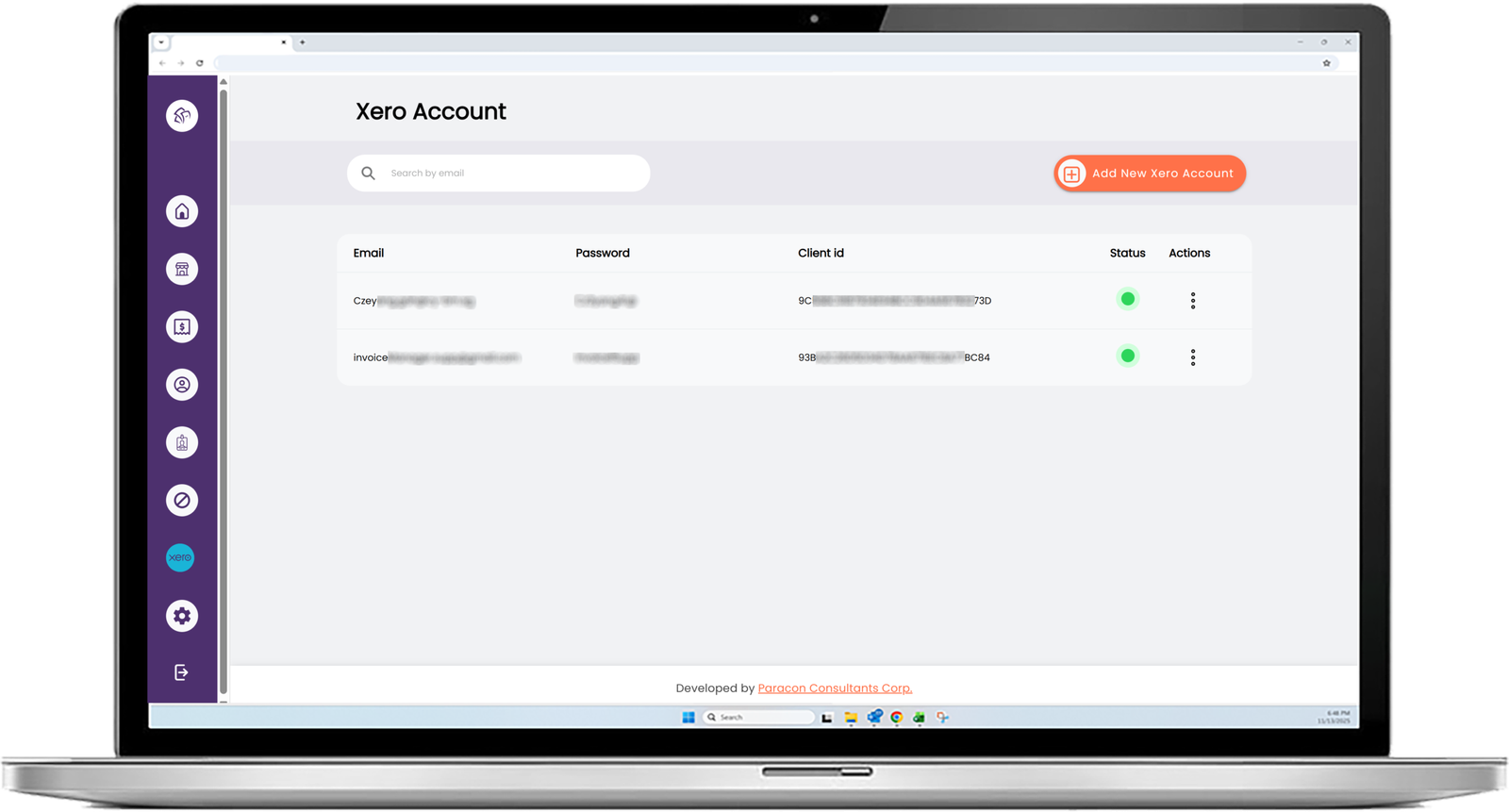
Xero Invoice Sync
Pulls invoices from Xero so payables can be reviewed without manual exports.
Vendor Payables Dashboard
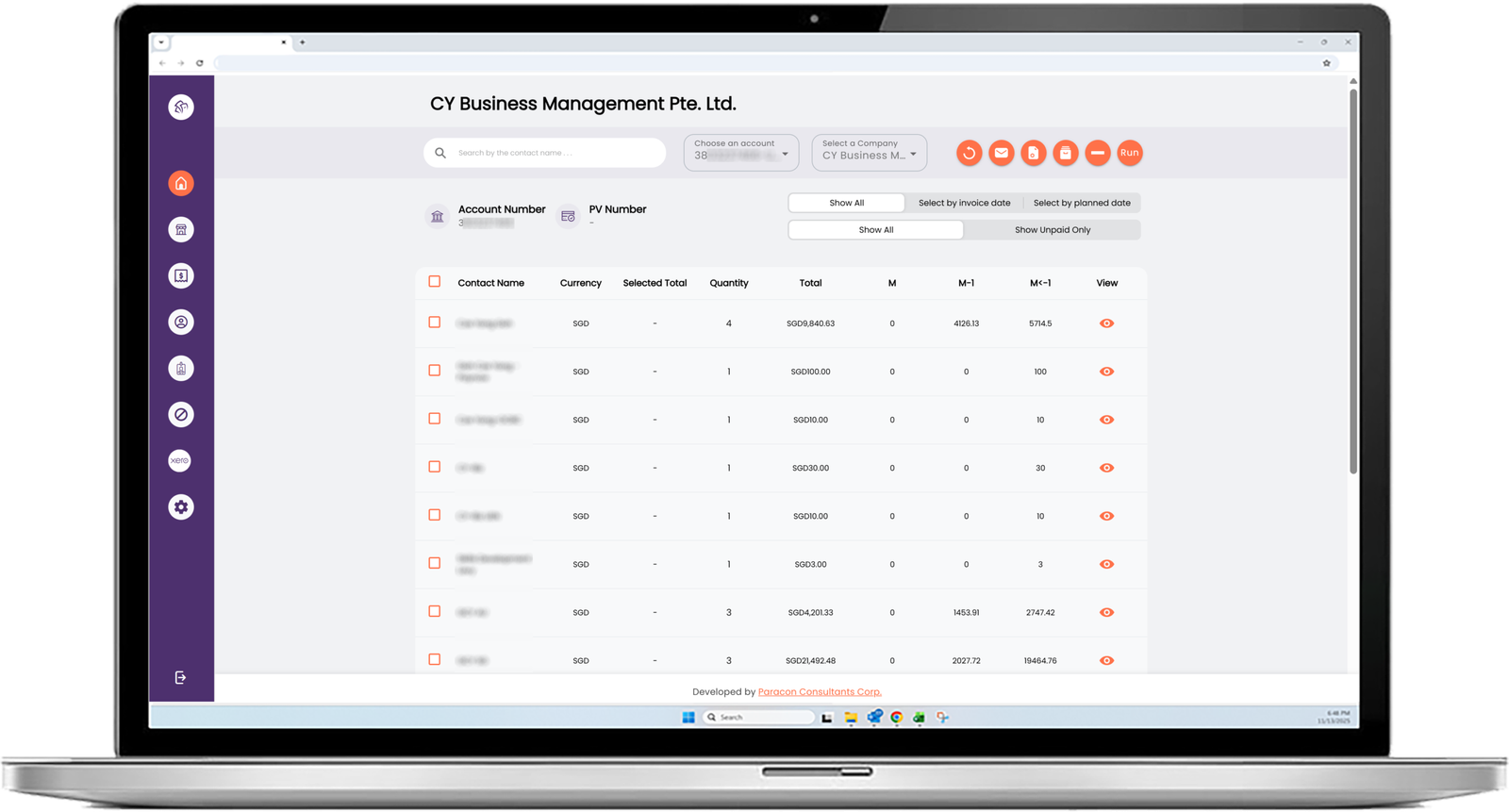
View suppliers by company with totals split by current and prior months for faster review.
Invoice Drilldown and Selection
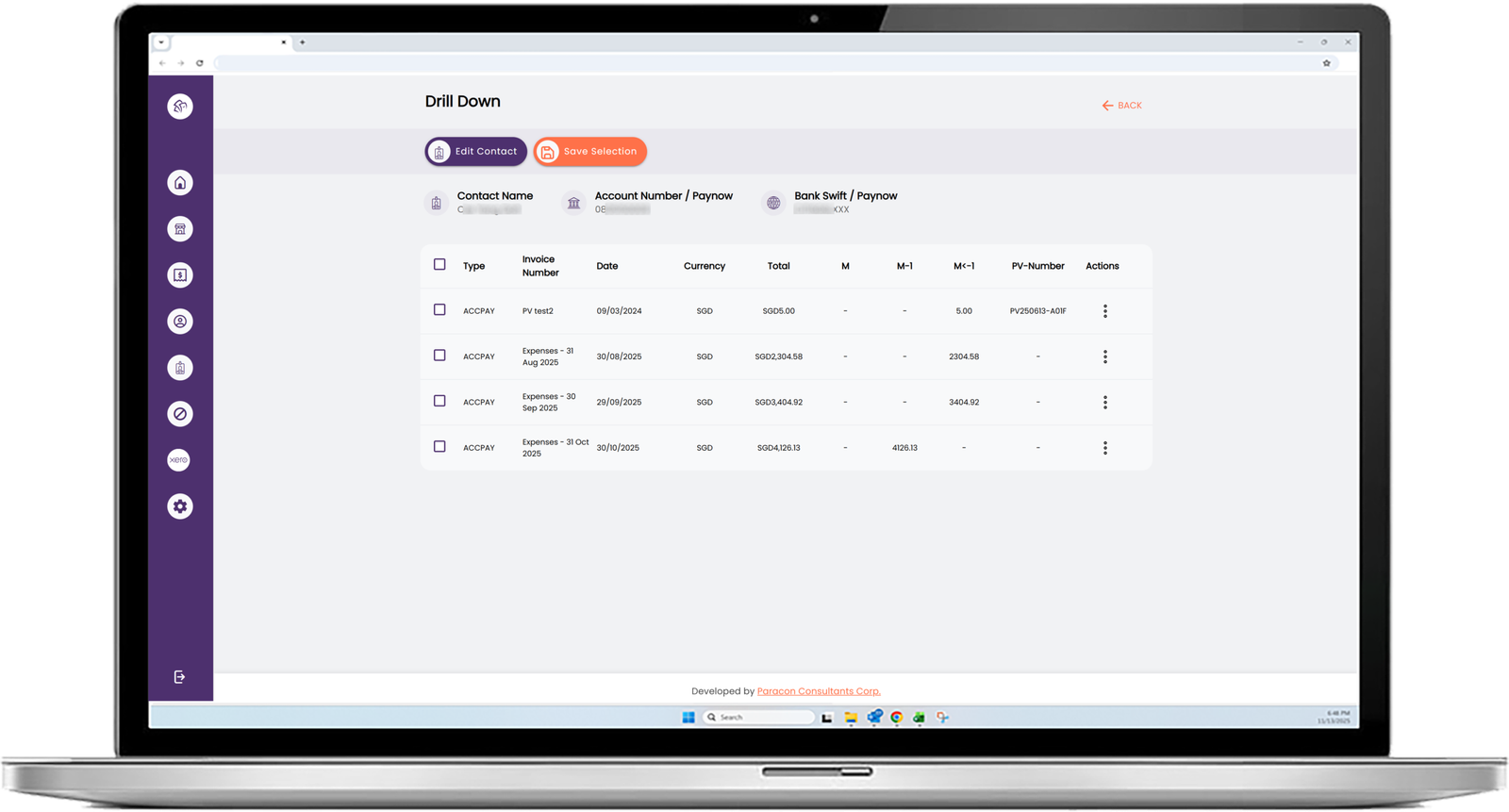
Open a vendor drilldown, select invoices to pay, and keep selections consistent.
PV Number for Each Payment Run
Automatically generates a PV reference for the day’s payment batch to keep runs organized.
Bank Upload File Generation
Generates bank-format payment files using templates tied to the selected bank account.
Batch Payment Listing Export
Creates a separate CSV listing the invoices included in each generated payment file.
Google Drive Storage for Exports
Saves generated files and batch listings into user-configured Google Drive folders for audit-ready storage.
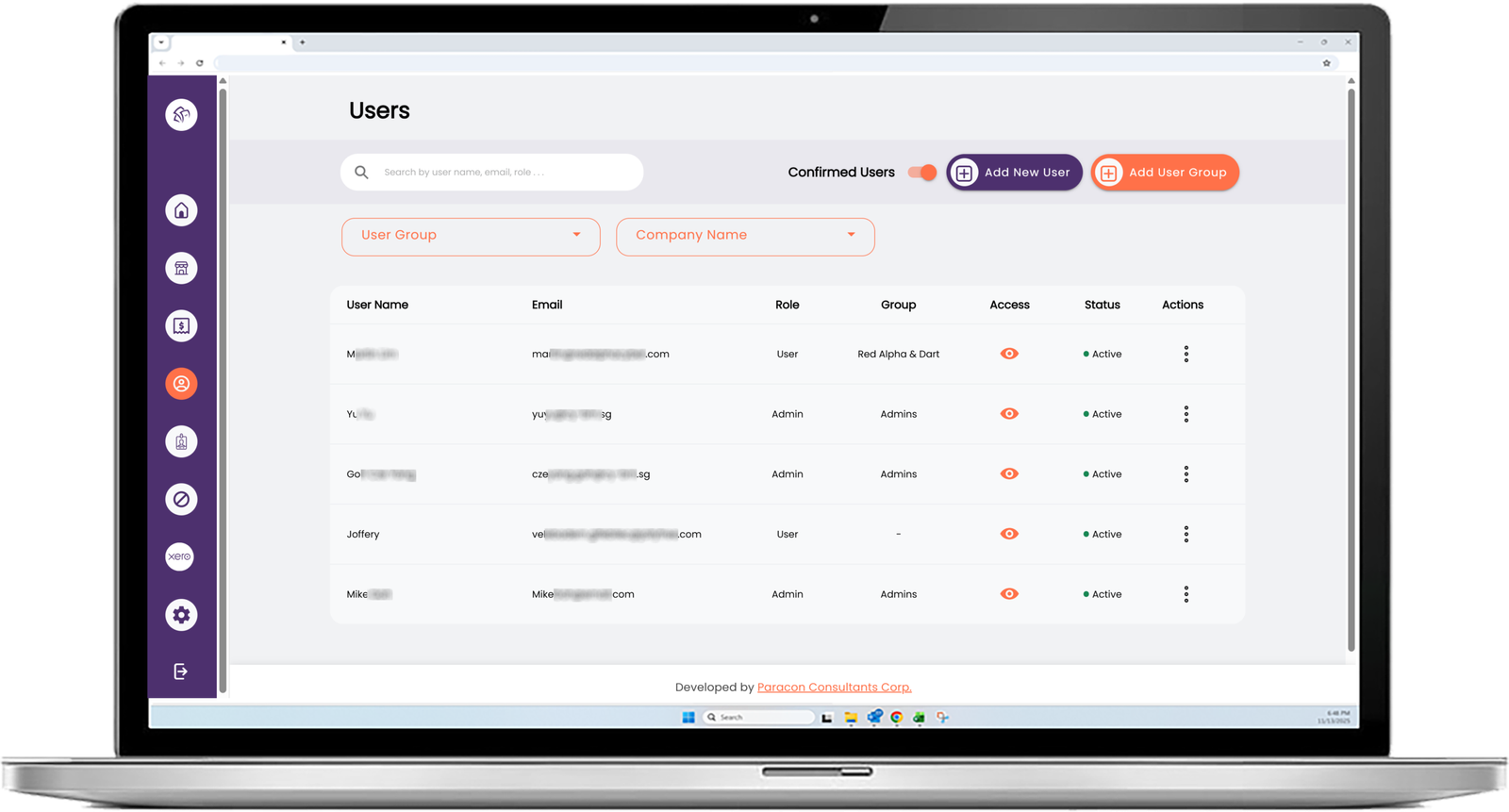
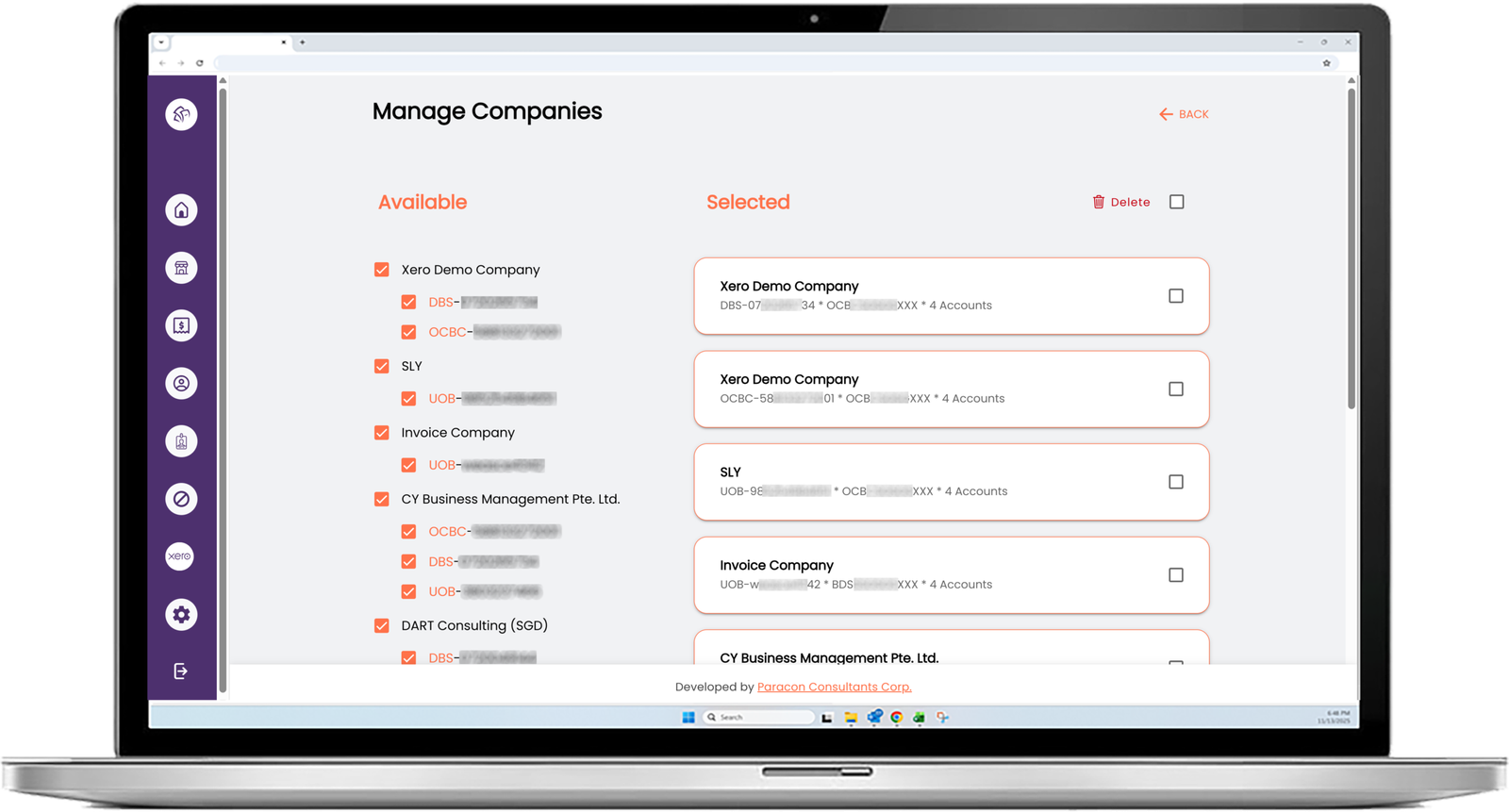
Multi-Company Access Control
Users only see the companies and bank accounts assigned to them by an admin.
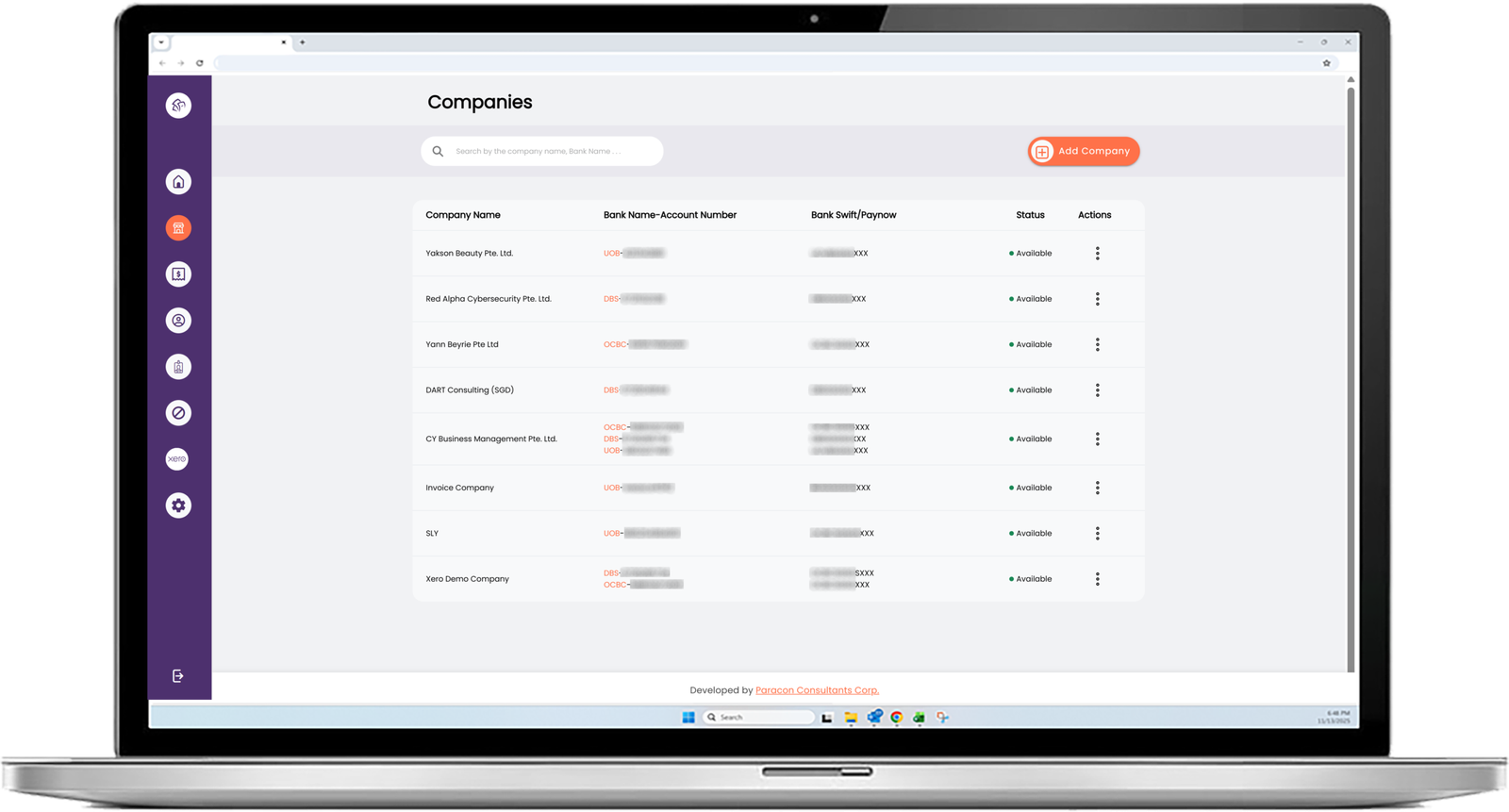
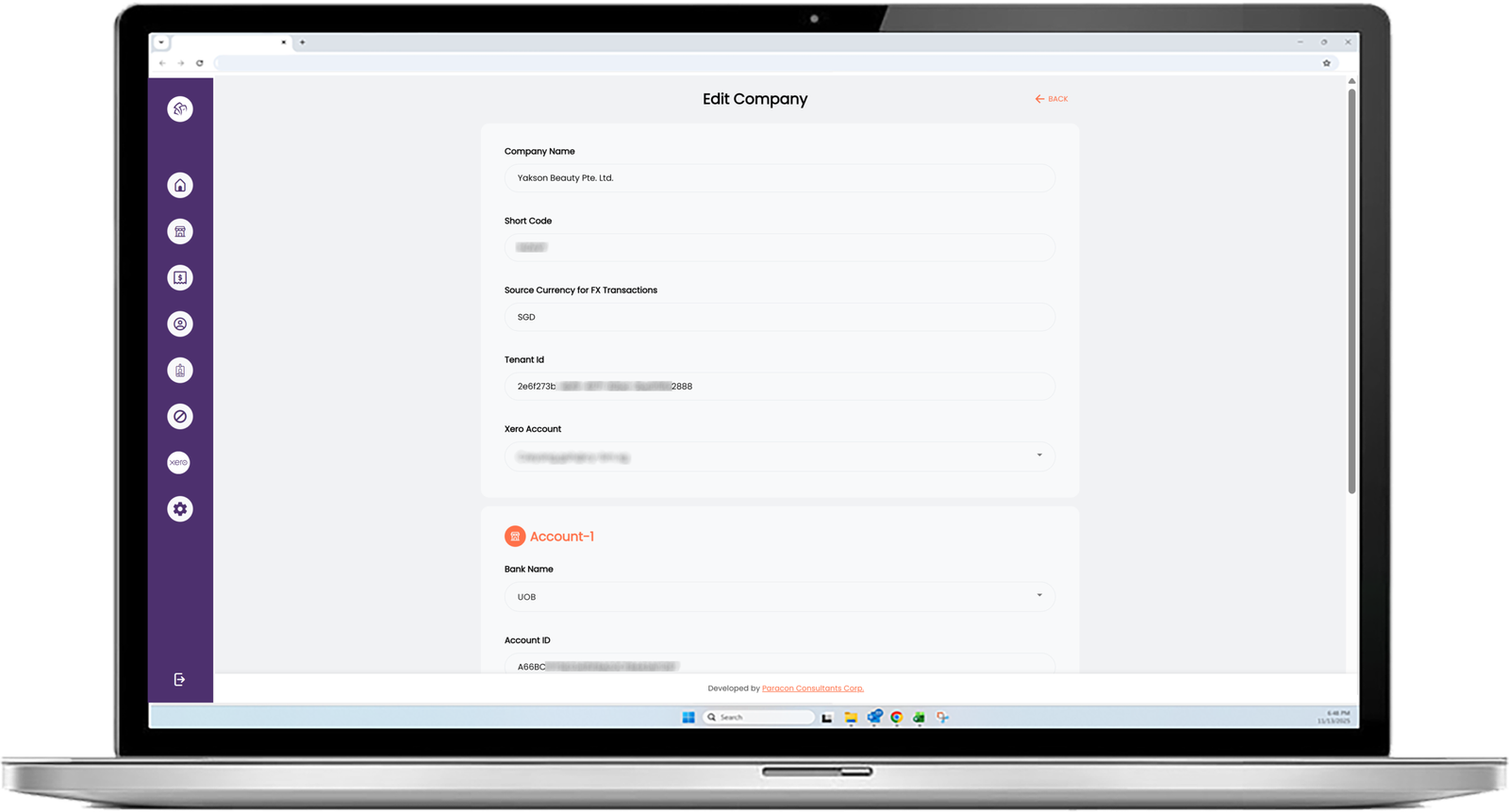
Admin Company Management
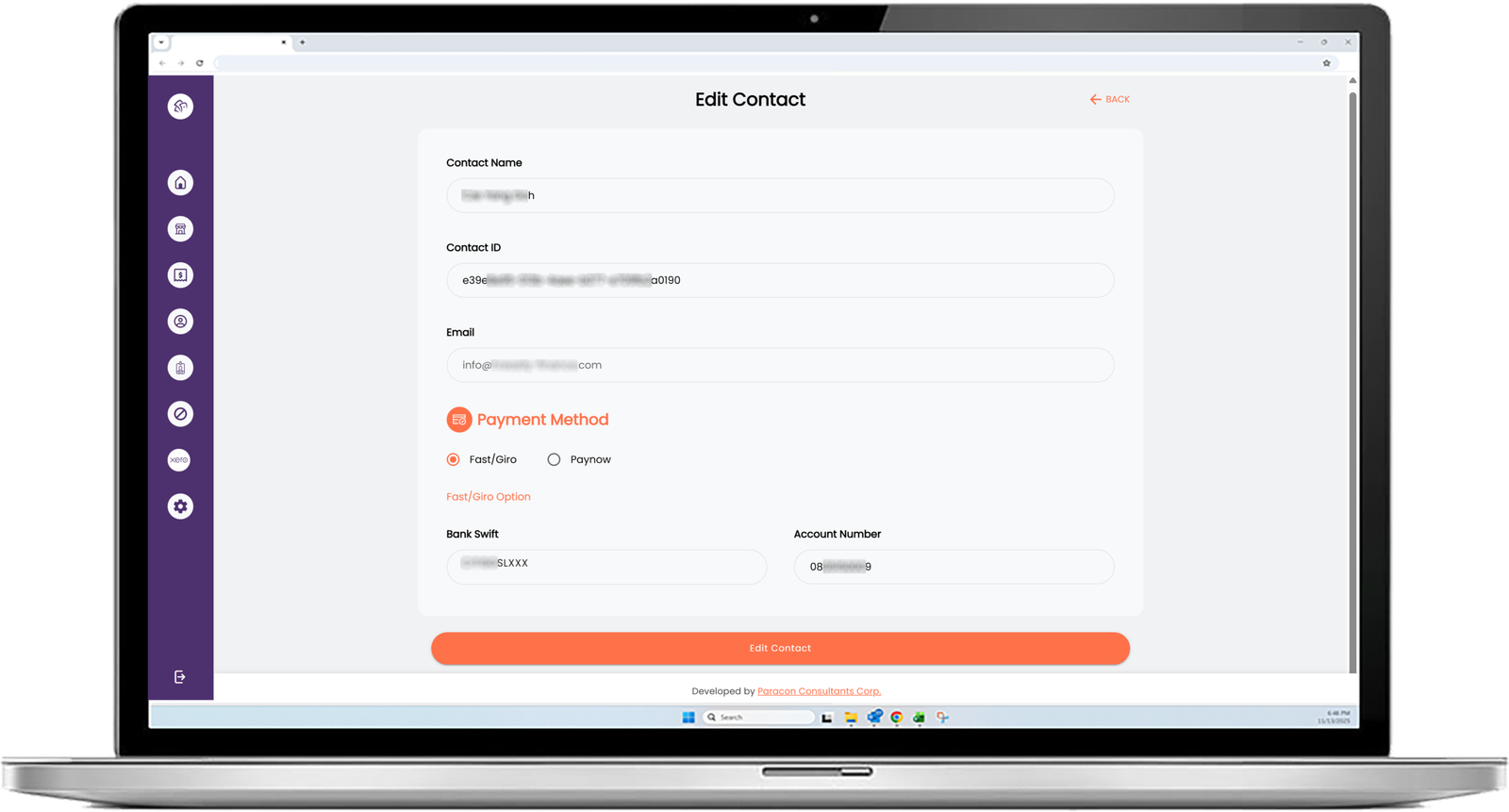
Admins manage company banking details and assign users to specific company accounts.
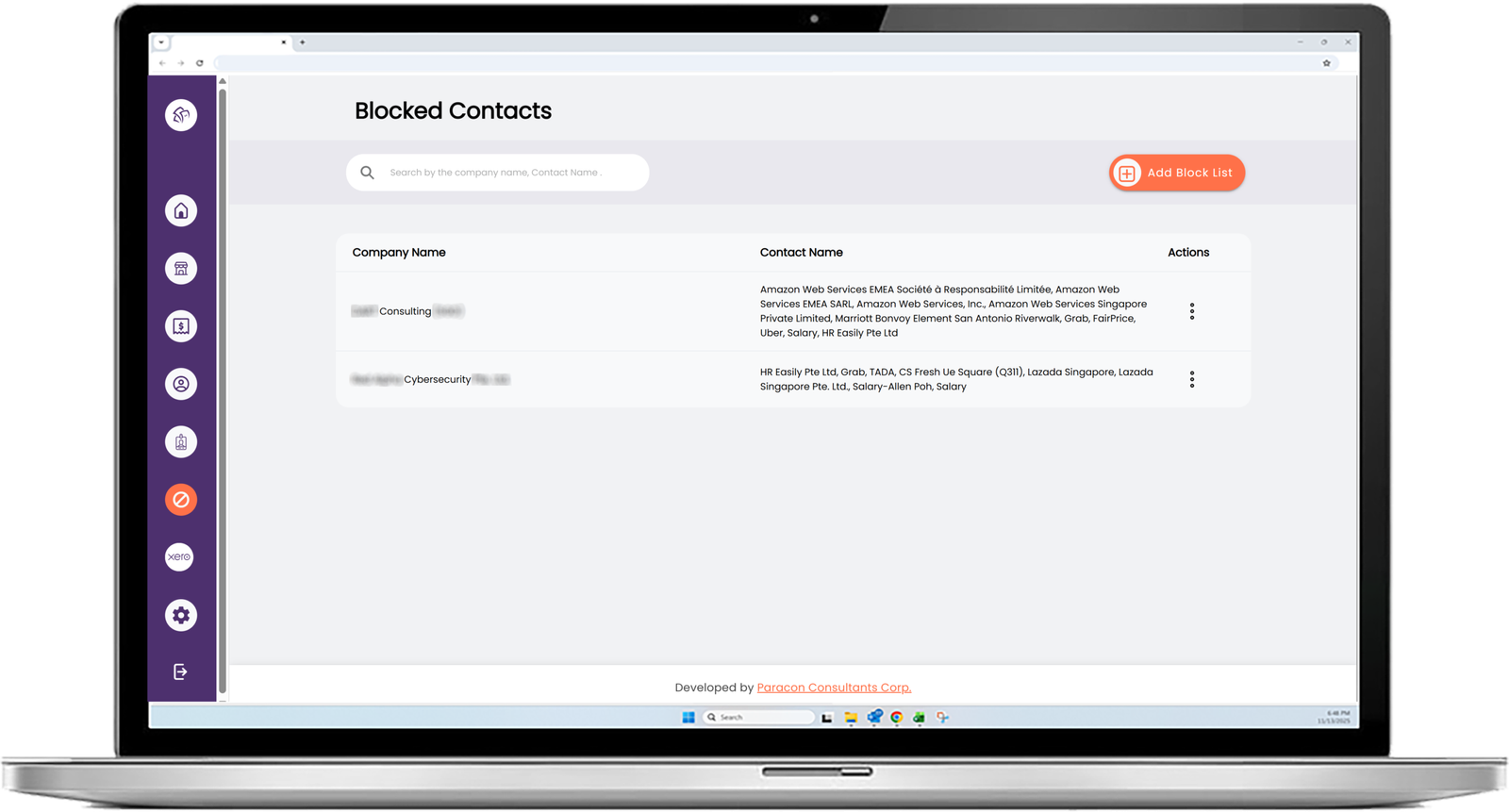
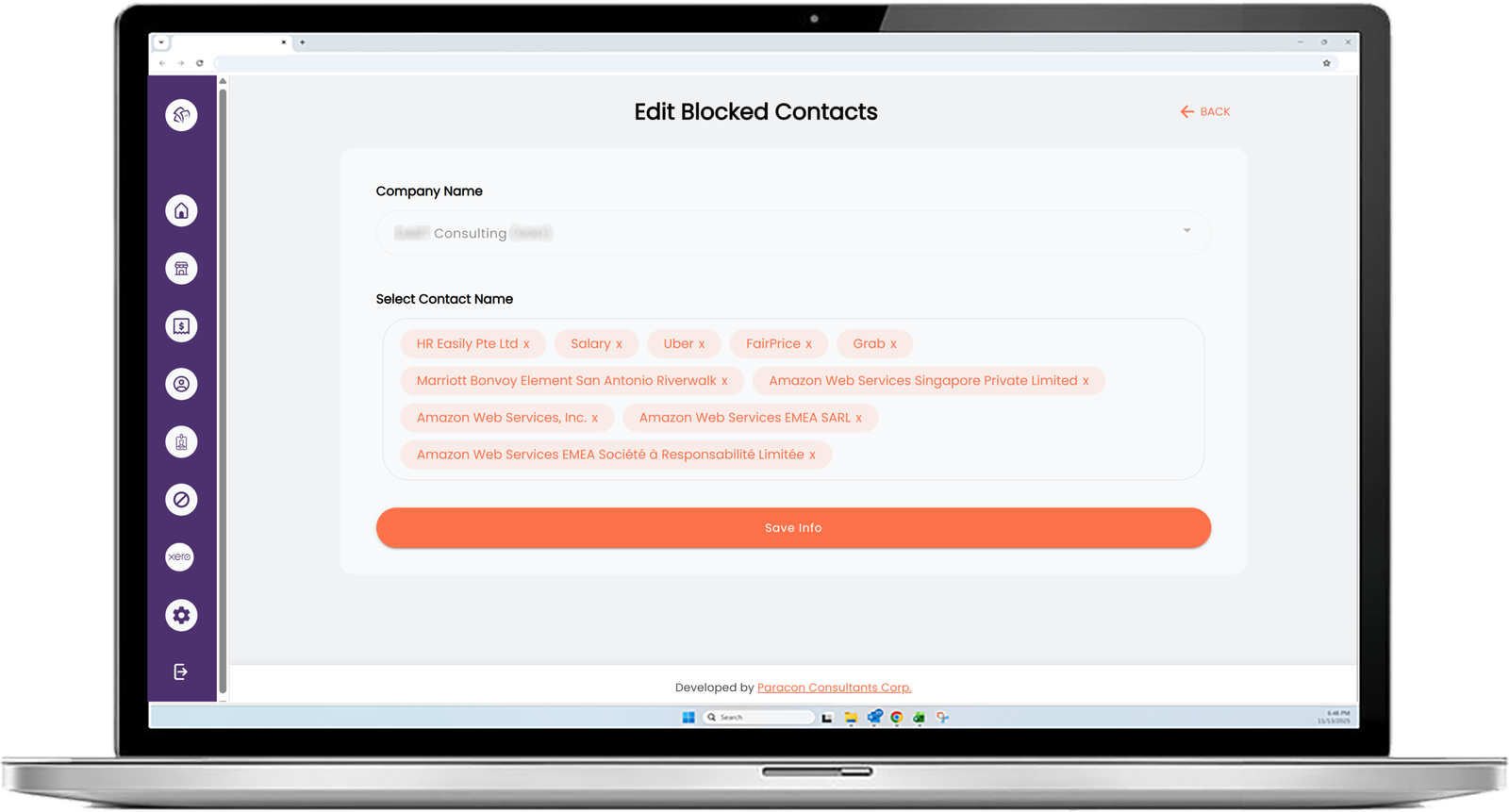
Blocked Contacts Rules
Admins can restrict access to specific vendors so users cannot retrieve or generate payments for them.
Quick Filters and Search
Filter by company and bank account, and search by company name to move faster during payment cycles.
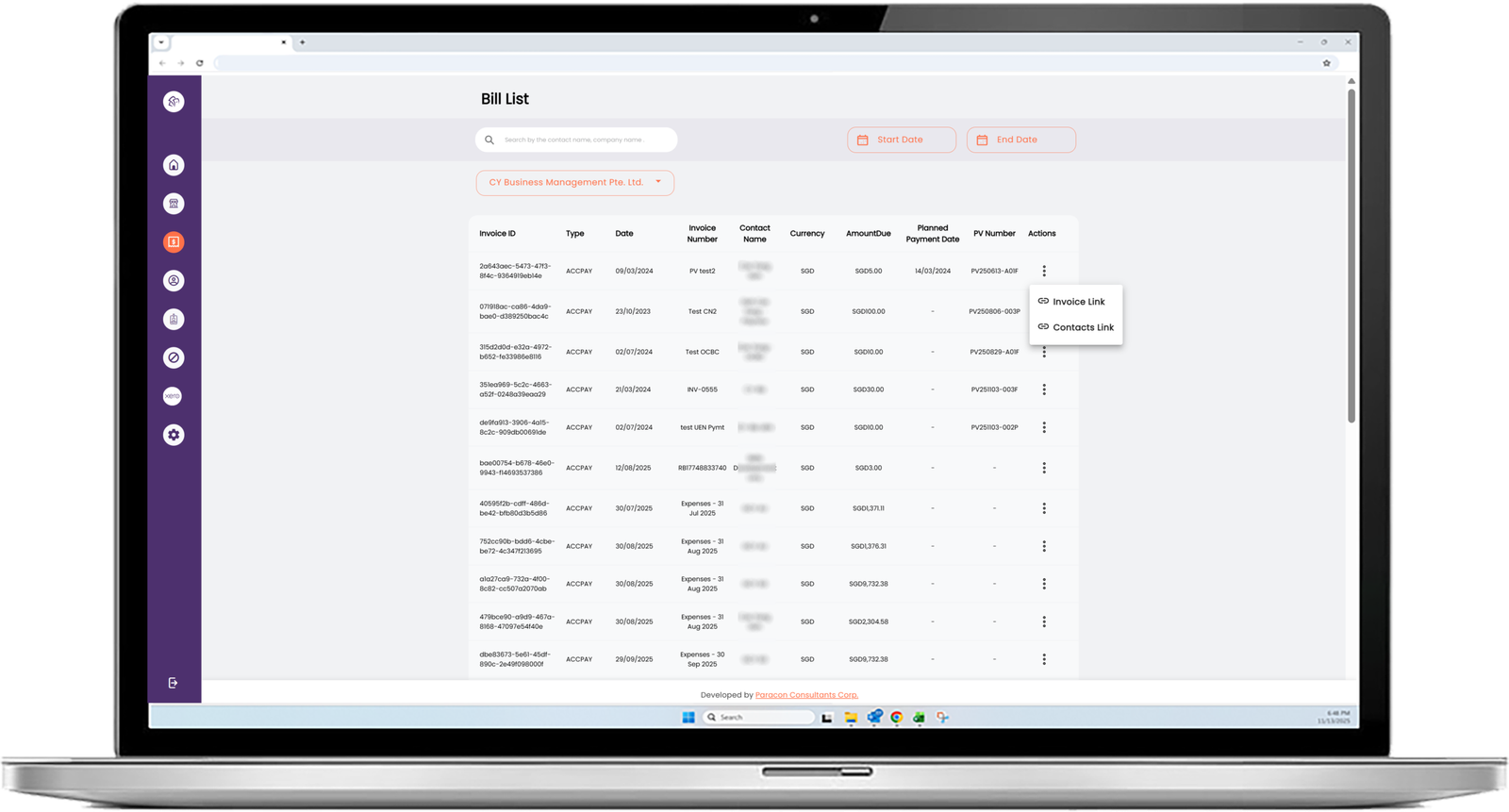
Xero Quick Links
Jump to the related invoice or supplier in Xero for quick verification.
Custom web apps for SMBs
Build a web app that streamlines work and supports growth. We help you define the right scope, design clear user flows, and choose an architecture that scales as your needs evolve. You start with a consultation and a high level range for budgeting, then Discovery confirms scope so you can proceed with a fixed price and a reliable timeline.
Delivery Approach
At-Cost Discovery Phase
We began by validating the real accounts payable workflow end to end, from reviewing vendor balances to preparing a bank upload and storing the payment run for audit. Instead of assuming every “nice to have” feature was needed, we evaluated the highest impact steps, removed non-essential items, and focused the scope on what reduces payment cycle time and errors. The output was a clear specification, wireframes, and acceptance criteria that made the build predictable and kept cost optimized without compromising reliability.
Fixed-Price Development
With scope locked, we delivered IMS in milestones centered around measurable outcomes, such as Xero sync, vendor drilldowns, PV tracking, and bank file generation. Each milestone included demos, feedback cycles, and testing against real payment scenarios to confirm accuracy before moving forward. Changes were handled through a lightweight change process, so priorities stayed aligned and timelines stayed stable. This approach produced a clean, scalable web app that supports repeatable payment runs for small and midsize businesses in the US and Canada.
This delivery model is designed for field service businesses in Canada and the US that want a predictable mobile app build without scope surprises.
Impact
With IMS in place, accounts payable teams reduced the manual work involved in building payment runs. Instead of exporting from Xero, cleaning spreadsheets, and rechecking totals, users can review payables by vendor, select invoices for payment, and generate bank upload files in a consistent format. Each payment batch is tracked with a PV reference, making it easier to reconcile what was paid and when, and reducing the risk of duplicate payments or missed invoices.
IMS also improved audit readiness and operational control. Payment exports and batch listings can be stored in a consistent Google Drive location, and multi-company access rules ensure users only see the companies and bank accounts they are assigned to. Features like blocked contacts and quick verification links help teams maintain tighter controls during payment cycles.
Fixed price. Clear plan.
From Estimate to Certainty. After your free consultation, we provide a rough, non-binding estimate to help with budgeting. Once Discovery is complete, you get a fixed-price quote and a guaranteed timeline. No surprises, no scope creep, no unexpected costs.