
When you choose app developers in Toronto for a small or midsize business, pick the firm that defines the scope before it quotes, gives you a price and a timeline it will stand behind, and hands you the code when it’s done. Hourly rates, portfolios and company size matter less than those three things.
Toronto has a long list of firms that build web and mobile apps, from large agencies to one-person studios. This guide is for business owners and managers at companies of roughly 50 to 500 employees who are hiring a developer for the first time, or who have been burned before. It covers what to decide before you talk to anyone, how pricing models work, realistic costs and timelines, the questions to ask, and the warning signs.
We are a Toronto app development company ourselves, and we say where we fit near the end. The rest of the guide applies whoever you hire.

1. Decide What You Need Before You Call Anyone
Know who will use the app and where before you compare developers, because it changes which firms are a fit and what you will pay.
A web app runs in the browser on any computer, tablet or phone. It suits office teams, customer portals, dashboards and internal systems that replace spreadsheets and email chains. There is nothing to install and no app store review. See our web app development services for typical examples.
A mobile app is installed from the App Store or Google Play. Choose it when users are in the field or on the move, or when the app needs the camera, GPS, push notifications or offline use. See our mobile app development services.
Both is common: a mobile app for field staff or customers, and a web portal for the office to manage users, data and reports.
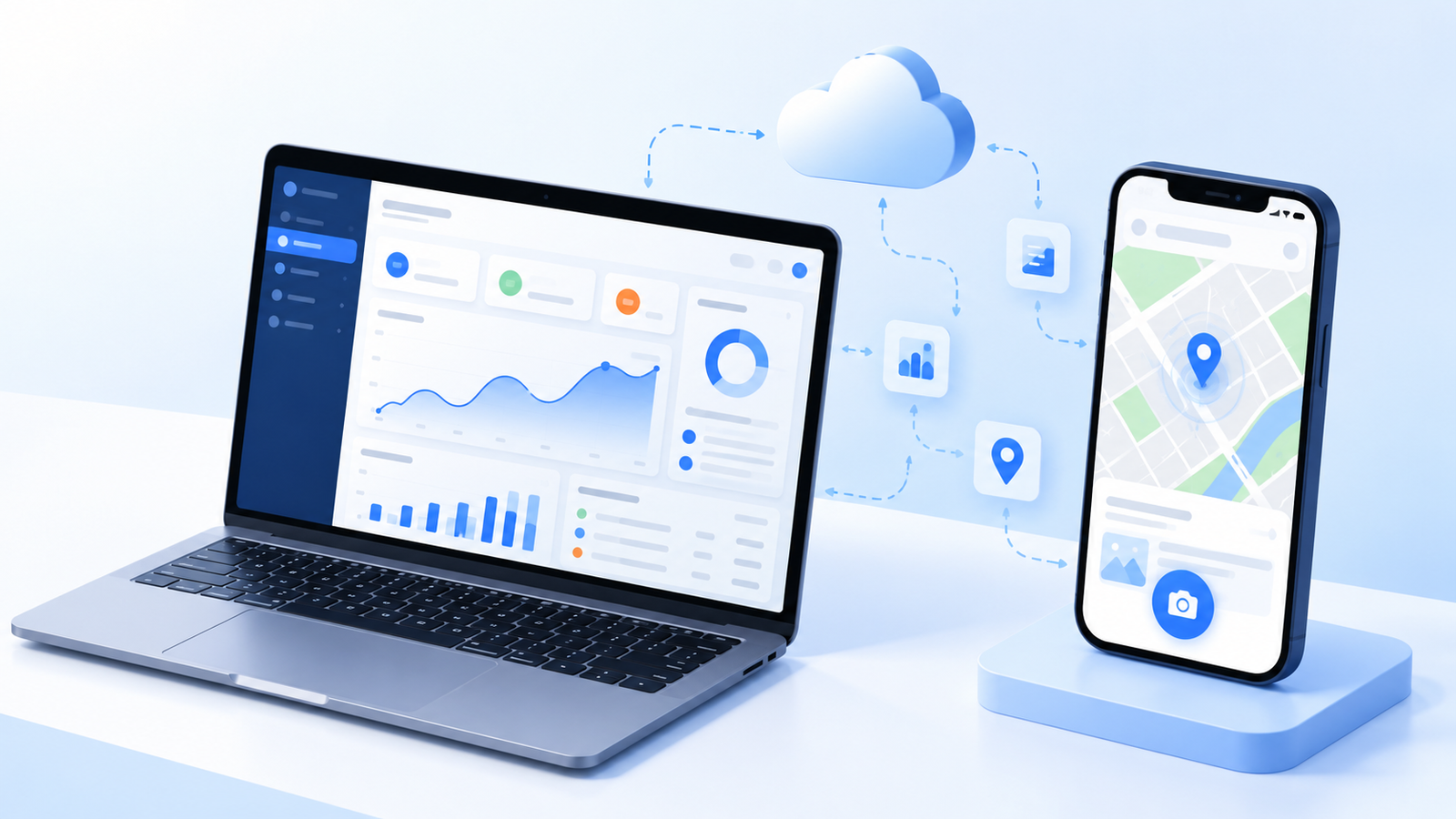
If you need a mobile app, ask each developer whether they build cross-platform (one codebase for iOS and Android, using frameworks such as Flutter or React Native) or native (a separate app for each platform). For most business apps, cross-platform costs less to build and maintain, because one team writes and updates one codebase. Native makes sense when an app depends heavily on device hardware or platform-specific features. A good developer explains which one your app needs and why, rather than offering only the one they know.
2. Fixed Price or Hourly: Know How You Will Be Billed
For a business with a set budget, a fixed price is usually the safer choice, because the developer carries the risk of underestimating the work. Hourly billing (time and materials) suits open-ended work and ongoing improvements after launch. Our guide to choosing a software development company compares the engagement models in detail.
For an app, what matters most is what the fixed price is based on. A developer can only quote one honestly from written specifications (what every feature does, who can do what, how errors are handled) and wireframes (a layout of every screen). If you already have these, a developer should be able to quote from them without charging you. If you don’t, expect a short planning stage first, often called discovery or scoping; ask what it costs and whether you own the documents. A discovery phase done properly is the cheapest place to find out that a feature is harder than it looks.
Be wary of a “fixed price” offered after one meeting and no written scope. It usually means the price will be reopened later, or that the quote has a large margin built in to cover what nobody has defined yet.
3. What App Development Costs in Toronto, and How Long It Takes
A first version of a business web or mobile app typically costs $20,000 to $120,000 and takes 6 to 26 weeks from the start of development. These are the fixed-price ranges we work with for a first version (an MVP):
| Project size | Typical price | Typical timeline | What it usually means |
|---|---|---|---|
| Simple | $20,000 to $40,000 | 6 to 12 weeks | One user type, a focused set of screens, few integrations |
| Standard | $40,000 to $70,000 | 12 to 16 weeks | Several user roles, an admin portal, one or two integrations |
| Complex | $70,000 to $120,000+ | 16 to 26 weeks | Many roles and workflows, several integrations, or AI features |
Three things move a project from one row to the next: the number of screens, the number of user roles, and the integrations with other systems such as your CRM, accounting software or inventory system. Building for iOS and Android at once adds less than you might expect when the app is cross-platform.
Two costs are easy to forget. Hosting and third-party services run every month after launch. Maintenance and updates (new phone operating systems, security patches, small improvements) need a yearly budget too; a common rule of thumb is 15 to 20 percent of the build cost per year.
If a quote is far below these ranges, find out what is missing from it. Our MVP development cost guide breaks the tiers down feature by feature.
4. Agency, Studio, Freelancer or Offshore Team
Match the type of firm to the size and risk of your project. For a first business app with a set budget, a small or midsize studio is usually the best fit: senior people work on your project, and you deal directly with the people who make decisions. Large agencies suit enterprise budgets and multi-team projects, freelancers suit small, well-defined pieces of work, and offshore teams can lower rates but need strong management on your side. The software development company guide linked above compares these options in more detail, with a scorecard you can use to rate each vendor.
5. Ten Questions to Ask Before You Sign

Ask every shortlisted developer the same questions and compare the answers in writing:
- Is the price fixed, and what exactly is it based on? Ask to see the specification or scope document the quote refers to.
- Is the timeline committed in the contract? Ask what happens if the developer is late, and what happens if you are late with feedback.
- How are changes handled? A clear change-request process, with a price for each change before work starts, protects both sides.
- Who owns the source code, designs and documents? You should, in full, on final payment. Get it in the contract.
- Who will actually work on my project? Names and roles, not just the people in the sales meeting.
- How will I see progress? Look for milestones with working demos you can try, not status reports alone.
- How are payments structured? Payments tied to approved milestones are safer than large amounts upfront.
- What happens after launch? Ask about the warranty period, bug fixes, support hours and the cost of ongoing maintenance.
- What is not included in the price? Ask for a written list of what the quote leaves out, such as hosting, third-party services, app store fees, software licenses and content entry, so there are no surprises after you sign.
- Where will my data be stored? If your industry or customers require data to stay in Canada or the US, confirm the hosting region in writing.
6. Red Flags
Walk away, or at least slow down, if you see any of these:
- A firm quote after one call, with no written scope, specifications or wireframes behind it.
- No answer on code ownership, or a contract that licenses the code to you instead of transferring it.
- Most of the money upfront, with little tied to delivered and approved work.
- A price far below the market with no explanation of what was left out.
- No demos until the end. You should be able to try working parts of the app at each milestone.
- Vague answers about who does the work, or a team that changes after you sign.
- No plan for after launch: no warranty, no support terms, no maintenance price.
- Pressure to decide quickly, such as a discount that expires in days.
Where Paracon Fits
Paracon Consultants is a Toronto web and mobile app development company. Since 2013 we have built custom apps for small and midsize businesses in Canada and the US, and every project is fixed price.

We are a good fit if:
- You want a fixed price and a guaranteed delivery timeline, both in the contract, before development starts.
- Your budget for a first version is in the $20,000 to $120,000 range.
- You need a cross-platform mobile app (Flutter or React Native), a web app, or both, often to replace spreadsheets and manual steps.
- You want milestone payments, a working demo at each milestone, and full ownership of the code.
How we get to a fixed price
If you already have specifications and wireframes, we quote from them at no charge. If you don’t, our Discovery package, starting from $2,500 and priced at cost, creates them. You own everything it produces, and up to 50% of the fee is credited toward development if you build with us. One example is xCaliber, a quoting app that replaced spreadsheets for an HVAC sales team.
We are not the right fit if:
- You want to hire developers by the hour or add people to your own team; we work on fixed-price projects only.
- Your budget is well under $20,000. A freelancer or an off-the-shelf product will usually serve you better.
- You are planning a large enterprise program with many teams and vendors.
We are ranked No. 2 Most Reviewed App Development Company on The Manifest (October 2026), and our client reviews are on Clutch. If you’d like a ballpark range for your project, start with a free consultation.
Frequently Asked Questions
How much does it cost to hire app developers in Toronto?
A first version of a business web or mobile app typically costs $20,000 to $120,000 in Toronto. Simple apps with one user type start around $20,000 to $40,000, while apps with many user roles, several integrations or AI features can reach $120,000 or more.
How long does it take to build an app?
Most business apps take 6 to 16 weeks from the start of development to launch, and larger, multi-part apps can take up to 26 weeks. The number of screens, user roles and integrations drives the timeline more than anything else.
Should I choose a fixed-price or an hourly app developer?
If you have a set budget, a fixed price is usually safer, because the developer carries the risk of underestimating the work. It is only reliable when the quote is based on written specifications and wireframes. Hourly billing suits open-ended work and ongoing improvements after launch.
Who should own the code for my app?
You should. Your contract should transfer full ownership of the source code, designs and documents to you on final payment, not license them to you. Without that, changing developers later can mean starting over.
Is a cross-platform or a native app better for a business?
For most business apps, cross-platform development with a framework such as Flutter or React Native costs less to build and maintain, because one codebase runs on both iOS and Android. Native apps make sense when the app depends heavily on device hardware or platform-specific features.